
 Bitaigen Research
 As one of the world’s leading digital‑currency trading platforms, OKX (also known as 欧易 OKX) offers a powerful and user‑friendly trading environment that helps users easily buy, sell, manage, and invest in cryptocurrencies.
To download the OKX app on an iPhone, simply log in to the App Store with an overseas Apple ID that is not registered in the United States, search for “OKX” or “欧易”, tap Get, and complete the installation.
If you have not yet registered on OKX, you can use the registration link and APP download address below, together with the video tutorial, to complete the sign‑up process on your own.
- Official OKX registration link: https://www.okx.com/zh-hans/join/B2345
- OKX APP download link: https://www.bitaigen.com/binance/download
Friendly reminder: By registering through the links above (or by using the invitation code `B2345`), new users can receive a reward of up to 50 USDT. The invitation code must be entered in order to claim the bonus. (Please note that any crypto gains may be subject to taxation under the laws of your local jurisdiction.)
This article provides iPhone users with a complete OKX download guide, covering how to obtain an overseas Apple ID, key points for searching in the App Store, and the registration workflow. With clear step‑by‑step screenshots, even first‑time users can install the app smoothly and start using it. For detailed operations and security tips, keep reading.
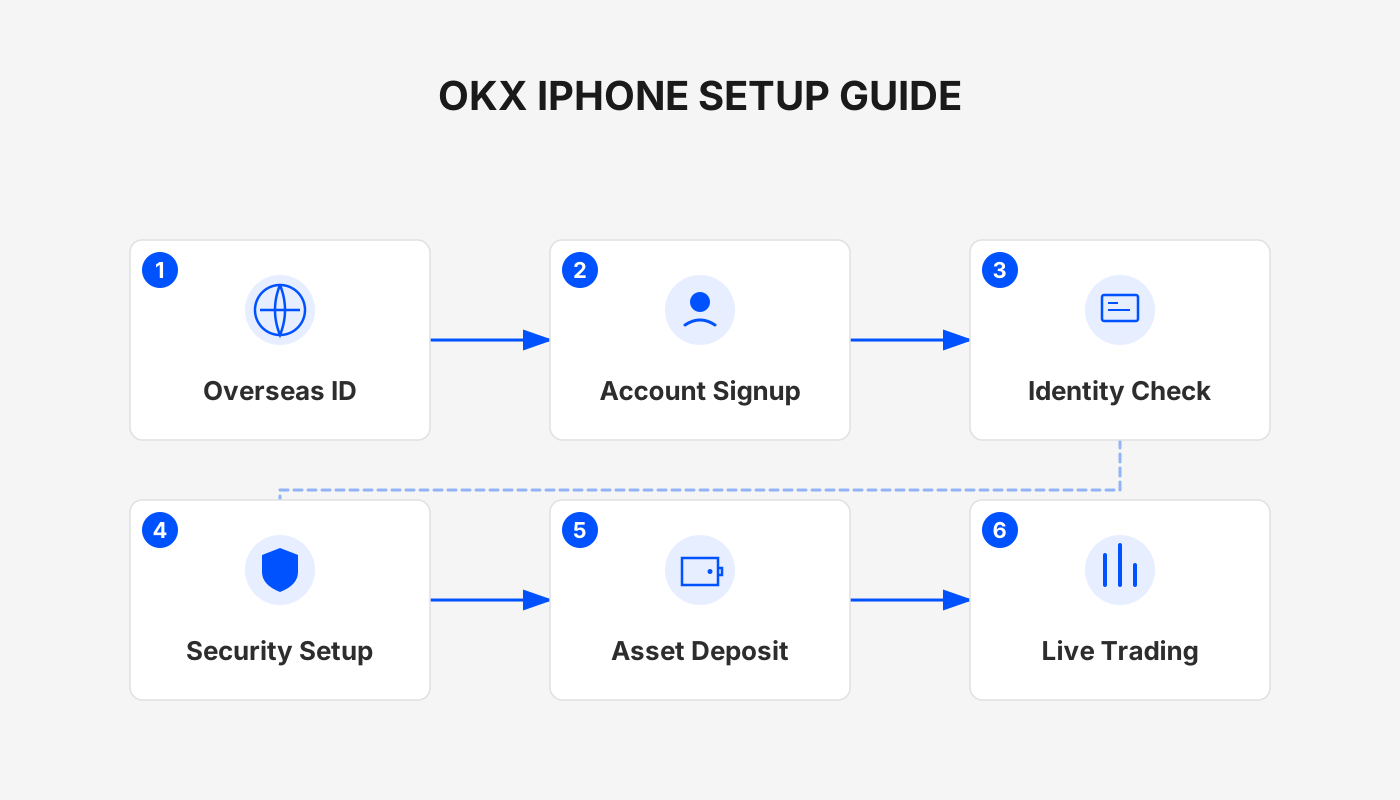
1. Preparations
- Prepare an overseas Apple ID that is not tied to a U.S. App Store region.
- Complete the account registration on the OKX website first.
2. Create or Purchase an Overseas Apple ID
2.1 Create an Overseas Apple ID
- Visit Apple’s official website.
- From the drop‑down menu at the top‑right, select “Create your Apple ID” and follow the on‑screen instructions to register an overseas Apple ID.
- Choose a region (do not select Hong Kong or the United States), then provide an email address or mobile number.
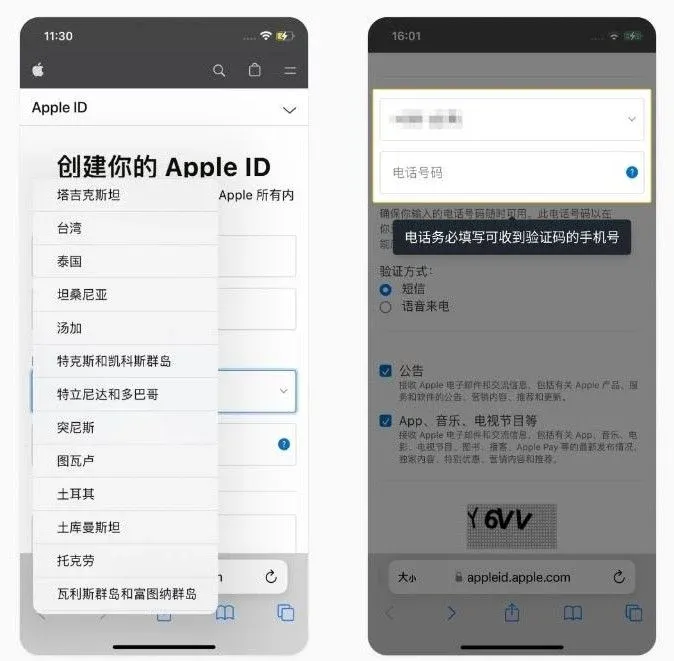
- After receiving the verification code, complete the verification step and the Apple ID will be created successfully.
2.2 Purchase an Overseas Apple ID
- Purchase a temporary Apple ID from platforms such as Xianyu, Taobao, or other marketplaces.
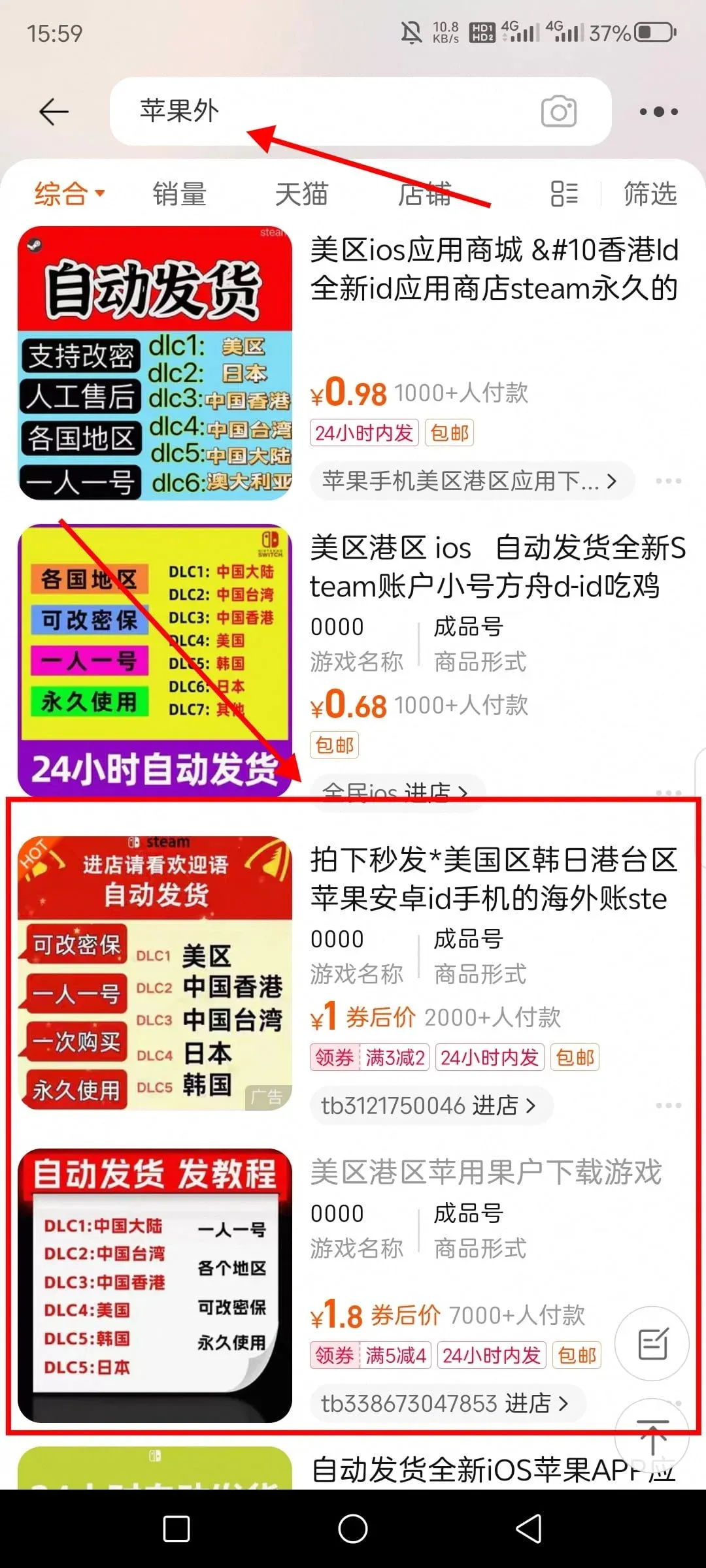
- Purchased Apple IDs may carry security risks; it is recommended to switch back to your personal account immediately after downloading the OKX app.
3. Download OKX from the App Store
- Open the App Store and sign in with the newly created or purchased Apple ID.
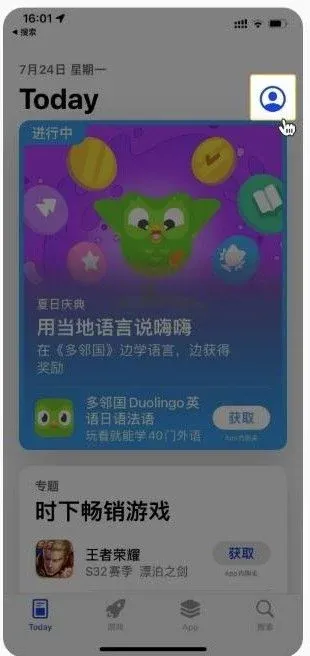
- In the search bar, type “OKX” or “欧易” and tap Search.
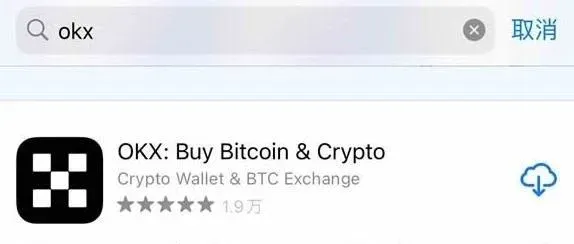
- On the app’s detail page, click Get. The system will request authentication (Face ID, Touch ID, or password). After successful verification, the download will begin.
- Once the download finishes, the OKX app will appear automatically on your home screen. Tap the icon to launch it.
4. Core Features of the OKX App
- Multi‑currency trading: Supports spot, futures, and other contract types, covering major coins such as BTC, ETH, BNB, and many more.
- Asset management: Real‑time overview of total holdings, with support for multiple wallets and trading pairs for efficient portfolio management.
- Market data & technical analysis: Provides candlestick charts, depth charts, a suite of technical indicators, and other live market tools.
- Security protections: Built‑in two‑factor authentication (2FA), transaction passwords, withdrawal passwords, and other safety layers.
- Fiat on‑ramps & withdrawals: Accepts bank transfers, credit cards, and other fiat channels. For global users, deposits and withdrawals can be processed via USD transfers (including SEPA for euros, SWIFT for other currencies). U.S. residents must use Binance.US (the U.S.-compliant version of Binance) for any related services that are not available on the global platform.
Summary
For iPhone users, downloading and using OKX represents a crucial first step toward participating in the digital‑currency market. Always obtain the application through official channels (the App Store or the OKX website) to avoid the potential risks associated with third‑party stores. After mastering the download and usage procedures outlined above, users can manage their digital assets anytime, anywhere, and seize opportunities in the rapidly evolving crypto market.
This concludes the guide. For additional OKX iOS download tutorials, search for Bitaigen (比特根) or continue reading the related articles below. Thank you for supporting Bitaigen!
Related Reading
- How to Download OKX App on iPhone with a Taiwan Apple ID
- 2026 Top Crypto Exchanges: Binance, OKX, Bitget, Bybit, Gate
- OKX vs Binance: Beginner Guide to Register, Fund & Trade
💡 Register on Binance with referral code B2345 for the maximum trading fee discount. See Binance complete guide.



