
 Bitaigen Research
 We, the Bitaigen editorial team, have meticulously compiled the full process for updating the Bitpie wallet, emphasizing the necessity of backing up your seed phrase and providing official secure download channels along with step‑by‑step guides for both Android and iOS platforms. Reading the following will ensure a smooth upgrade and the safety of your assets.
Preparations Before Updating
Make sure the seed phrase is fully backed up before performing any action, and verify any private keys that may have been used. Unless you can be absolutely certain that both the seed phrase and private keys are secure and correct, do not uninstall the Bitpie wallet.
Download & Installation Sources
Bitpie has three official entry points. Be sure to obtain the latest client through any one of the links below, and avoid unknown sources that could expose you to unnecessary risk.
- https://bitpie.com
- https://bitpiecn.com
- https://bitpiehk.com
Updating on Android Devices
- Visit the page at https://bitpiecn.com/android/.
- Click the Download button on the page to perform an in‑place installation.
- No need to uninstall the old version first; the system will automatically replace it with the newest release.
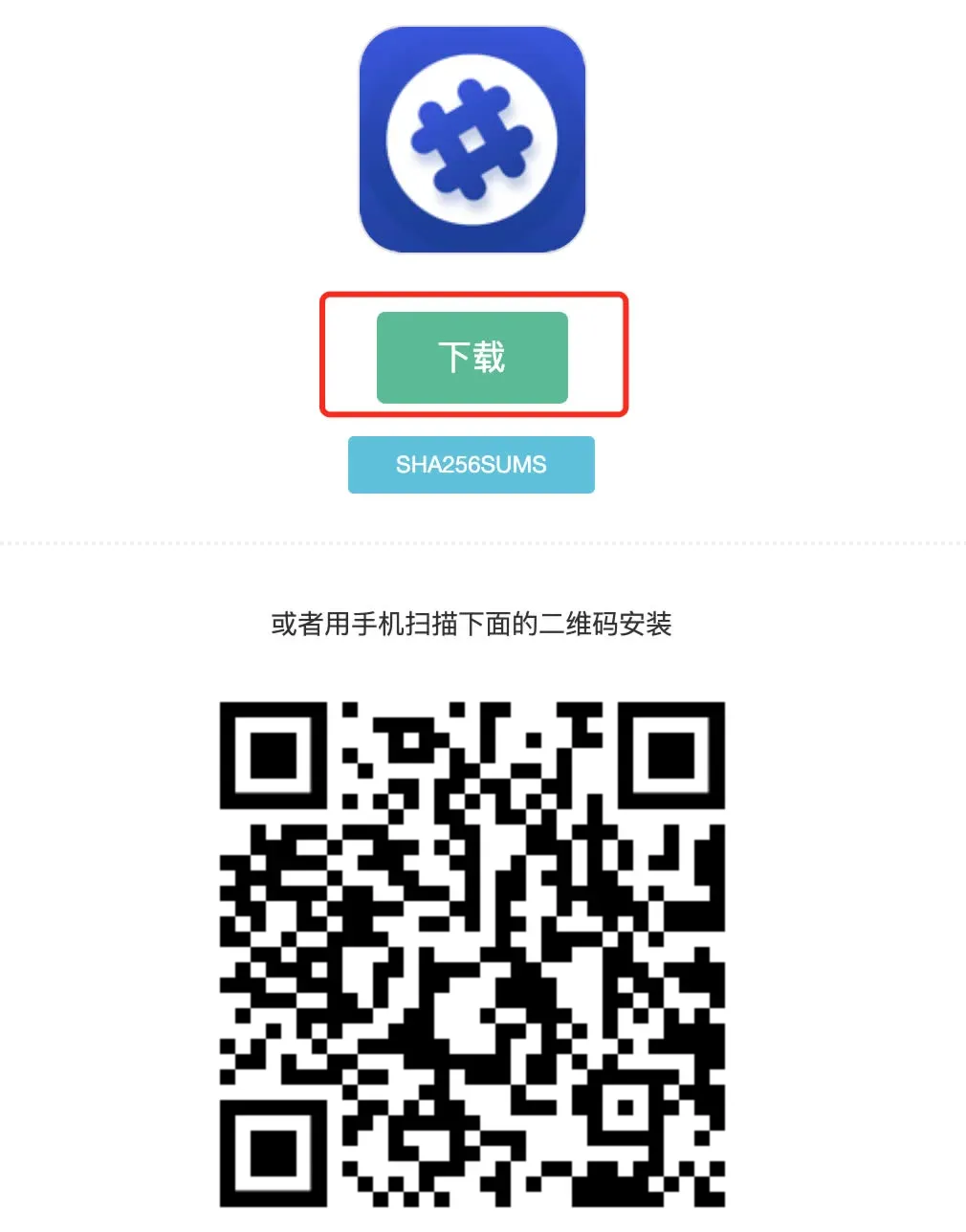
Updating on iOS Devices
- Go to https://bitpiecn.com/ios/ to view the detailed update instructions.
- The iOS version of Bitpie requires a foreign Apple ID for installation. If you do not yet have one, you can follow the tutorial below to create it:
https://bitpie.zendesk.com/hc/zh-cn/articles/4402595605519
Download the Full‑Feature Beta (No Foreign ID Required)
- Click the “Full‑Feature Beta” link on the page.
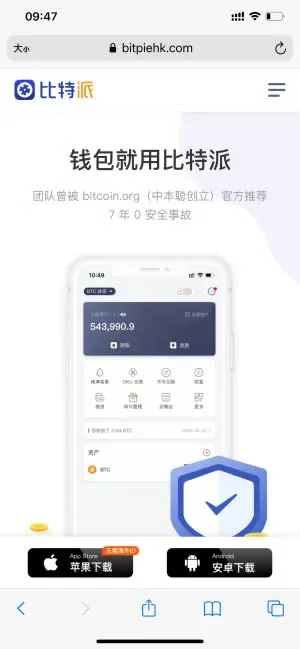
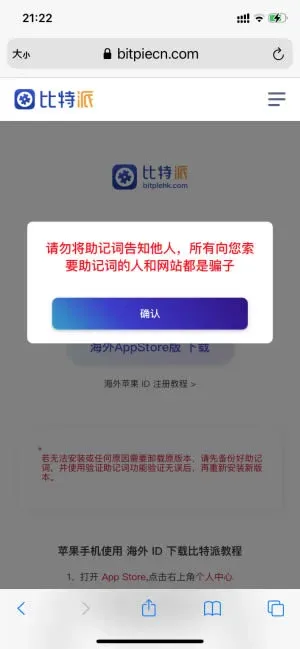

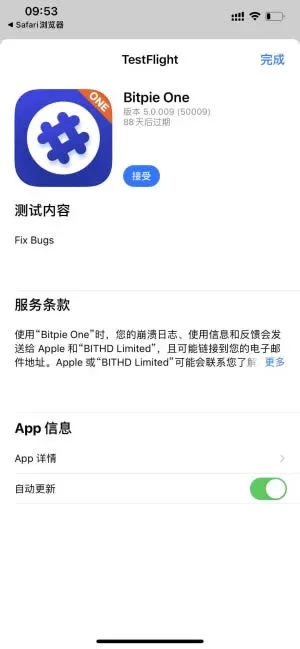
If your device does not yet have TestFlight installed, search for it in the App Store and download the app first; if TestFlight is already present, simply tap the “Go to Download” button provided on the page.
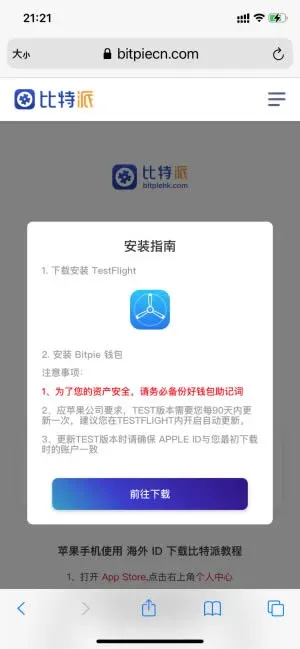
Afterwards, open TestFlight, click Accept, and complete the installation.
Closing Remarks
The above constitutes the complete update tutorial for the Bitpie wallet. For more tips on using Bitpie and the latest news, feel free to explore other articles published by Bitaigen.
Note: Crypto transactions may be subject to taxation in many jurisdictions. Please consult local tax regulations or a qualified tax professional to determine any reporting obligations for gains measured in USD, EUR (via SEPA), or other fiat currencies.
For U.S. users: When dealing with fiat on‑ramps or off‑ramps, use Binance.US or other regulated U.S. platforms rather than the global Binance site.
💡 Register on Binance with referral code B2345 for the maximum trading fee discount. See Binance complete guide.



