
 Bitaigen Research
 In Hong Kong, first fund the Hashkey platform with Hong Kong dollars (HKD), then transfer the funds to the Backpack perpetual‑contract exchange for futures trading. Choose a perpetual platform that holds an EU‑compliant licence.
In this article we outline the complete flow for Hong Kong residents to move fiat into perpetual‑contract trading, focusing on the compliance strengths of Hashkey and Backpack. Practical step‑by‑step instructions are provided to help readers get started quickly while avoiding common pitfalls. Continue reading for the details.
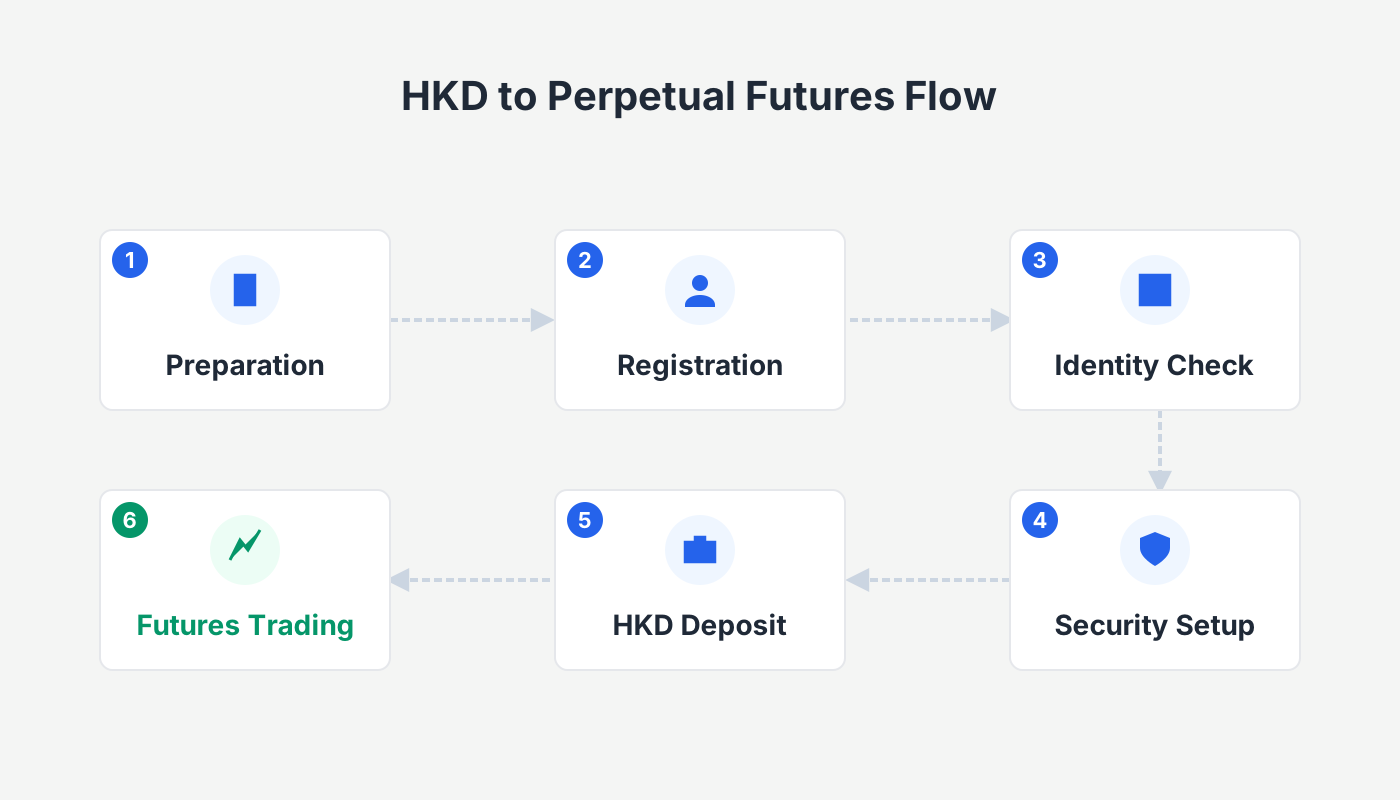
How to Trade Crypto Futures in Hong Kong?
Hashkey is a widely used digital‑asset platform in Hong Kong that supports HKD deposits. After funding the account, you can withdraw the assets to a personal wallet and then send them to the Backpack perpetual‑contract exchange for futures operations.
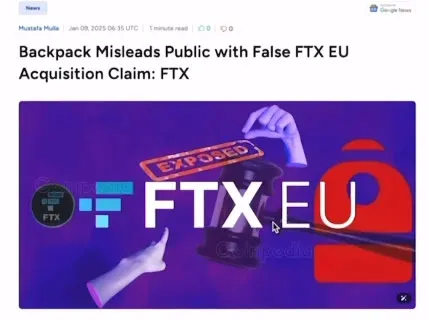
- Backpack is currently the only EU‑licensed perpetual‑contract venue, having obtained its licence through the acquisition of FTX EU and therefore meeting the full suite of regulatory requirements.
- The platform does not restrict access by Hong Kong residency or IP address; after trading, funds can be transferred back to Hashkey for cash‑out.
Following this route lets you complete the entire lifecycle: fiat deposit, asset conversion, futures trading, and final cash‑out.
Funding Hashkey with HKD (or USD via SEPA/SWIFT)
- Sign up / log in to Hashkey (you may select the Hong Kong site or the international site; the feature set is identical).
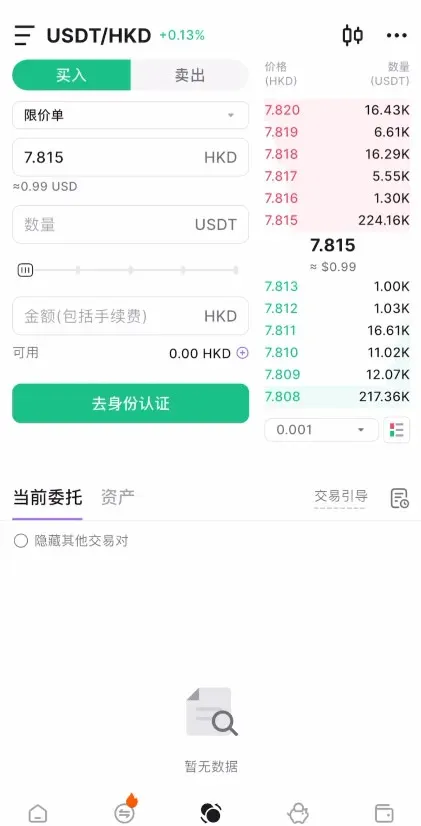
- Within the platform, choose Deposit HKD (or Deposit USD via SEPA/SWIFT if you are outside Hong Kong) and complete the fiat‑on‑ramp. At this stage you can only trade spot markets.
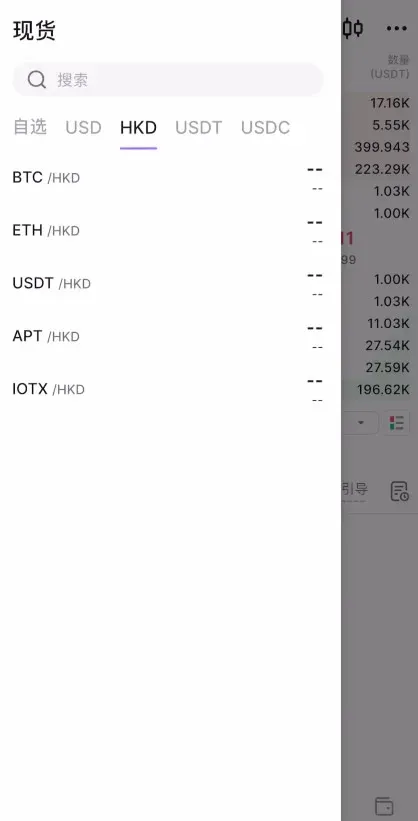
- Spot‑trading pairs are limited to BTC/HKD, ETH/HKD, and USDT/HKD (or their USD equivalents). ETH is generally recommended for the subsequent withdrawal because its network fees are lower.
Adding an Ethereum Withdrawal Whitelist
- Navigate to Assets → Funding Account → Whitelist Management, then click “Add New Whitelist Address”.
- Choose Wallet Connect, and connect a supported Web3 wallet such as OKX.
- After the connection is established, the system will prompt you to sign a confirmation message.
- Complete the verification by entering the email code and the Google Authenticator token, then submit the whitelist entry.
Withdrawing ETH to Your Personal Wallet
- Go to Assets → Withdraw, select ETH, and pick the ERC‑20 network.
- Enter the minimum withdrawal amount (≥ 0.04 ETH), confirm, and submit the request.
- Wait for on‑chain confirmations; once the transaction is finalized, the ETH will appear in your OKX Web3 wallet.
Depositing ETH into the Backpack Exchange
Backpack official website: https://backpack.exchange/
- Register a new account → provide an email address and set a password → tick the agreement box and submit.
- Activate the account via the email link, then complete KYC on the platform (upload ID documents and perform facial verification).
- After logging in, click the top‑left Main Account → Deposit → Receive Crypto, select ETH, and use the exchange’s native Ethereum network.
- Copy the displayed deposit address and QR code.
In your OKX wallet, go to Send → ETH, paste the Backpack address, choose “Maximum” for the amount, and confirm. Once the blockchain confirms the transfer, the ETH will be credited to your Backpack account.
Executing Futures Trades on Backpack
- Switch to the Spot tab and trade the ETH/USD pair to convert your ETH into USDT (all contracts on Backpack are settled in USDT).
- Move to the Futures tab, pick the instrument you wish to trade (e.g., SOL), set your desired leverage (1‑50×), and click Confirm.
- Choose an order type: Limit or Market
- Limit: you set a trigger price; the order fills only when that price is reached.
- Market: the platform executes the order immediately at the best available price.
- After the position is opened, the Positions page shows profit & loss, margin requirements, liquidation price, and other key metrics.
- To close the position, select either Limit Close or Market Close; the market option exits instantly at the prevailing price.
Lending Feature
Backpack also runs a Lend / Borrow marketplace that displays both lending rates and borrowing rates. Users with idle capital can lend their assets to earn an annualised return, while the platform’s transparent rate model helps maintain liquidity safety.
Converting Backpack Funds Back to HKD (or USD)
- On the Spot page, trade the ETH/USD pair again to repurchase ETH (use a market order for a full‑amount buy).
- Go to Withdraw → Withdraw Crypto, select ETH, and keep the network set to the exchange’s native Ethereum chain.
- Add a withdrawal address – use the same whitelist address you previously added on Hashkey – copy it into the withdrawal form, then confirm and pass the email/2FA verification steps.
After the blockchain confirms the withdrawal, the ETH will be sent back to the Hashkey whitelist address.
Cashing Out from Hashkey to Fiat
- In Hashkey’s Assets → Deposit section, select ETH and the appropriate network (the same ERC‑20 chain you used earlier).
- Initiate a Sell order to convert ETH back to HKD (or USD if you deposited with USD). The platform supports fiat‑out via SEPA for EUR, SWIFT for USD, and local bank transfers for HKD.
- Follow the on‑screen instructions to provide your bank details, select the preferred fiat‑out method (e.g., SWIFT for USD), and confirm the transaction.
Note for U.S. users: Binance.US is the regulated alternative to the global Binance platform. If you reside in the United States, you should conduct any fiat‑on‑ramps or off‑ramps through Binance.US or another U.S.-compliant exchange.
Tax disclaimer: Crypto trading may generate taxable events in many jurisdictions. Please consult a tax professional to understand how capital gains, losses, or income from crypto activities are treated in your country of residence.
Related Reading
- Hyperliquid: Decentralized Exchange with On‑Chain Order Book & Perps
- Top 7 Most Liquid Crypto Exchanges by 2026 Trading Volume
- 2025 Perp DEX Boom: $1.2 Trillion Trading Volume Surge
💡 Register on Binance with referral code B2345 for the maximum trading fee discount. See Binance complete guide.



