
 Bitaigen Research
The Bitaigen editorial team has carefully mapped out the workflow for interacting with multiple chains via MetaMask. With this guide you can step‑by‑step add mainstream EVM networks such as BNB Smart Chain and Polygon to your wallet, enabling cross‑chain asset management and dApp usage. Master these techniques and your Web3 experience will become smoother—keep reading!
Introduction
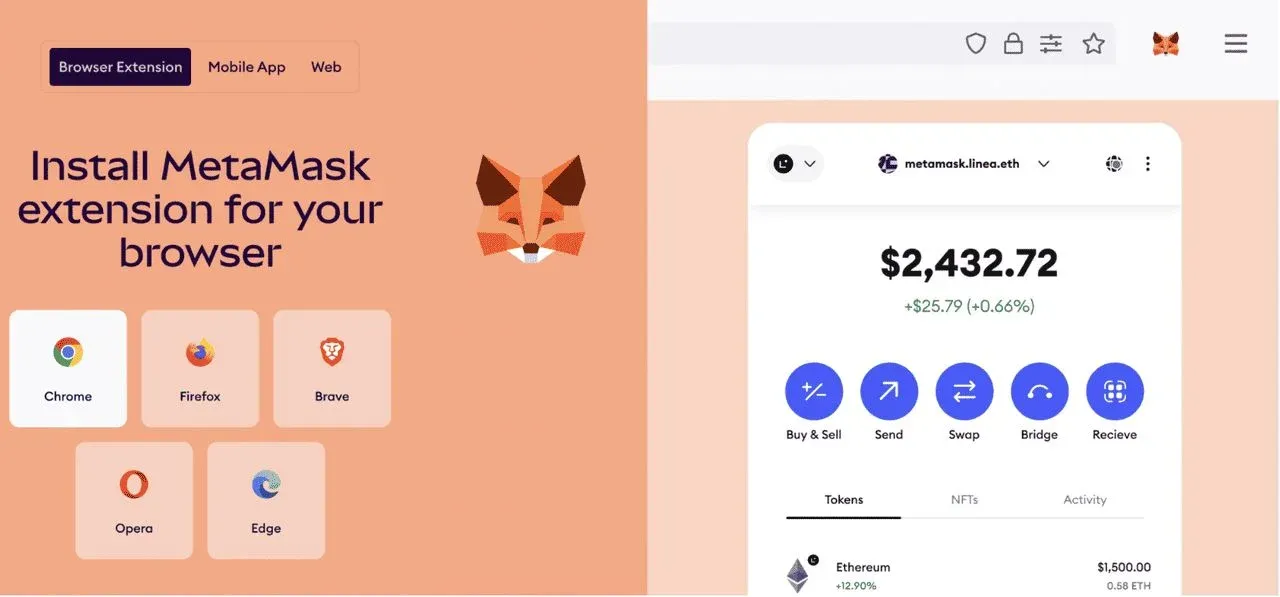
MetaMask is a widely‑adopted, non‑custodial browser extension that serves as an Ethereum wallet and a gateway to decentralized networks. It now boasts over 30 million monthly active users. The extension lets users easily interact with decentralized applications (dApps), manage ERC‑20 tokens, and securely store thousands of crypto assets.
While MetaMask originally gained fame for its native support of the Ethereum mainnet, it is also compatible with a variety of Ethereum Virtual Machine (EVM) networks, including both Layer‑1 chains and Layer‑2 scaling solutions. These alternatives can increase transaction throughput, lower fees, and further enrich the available dApp ecosystem.
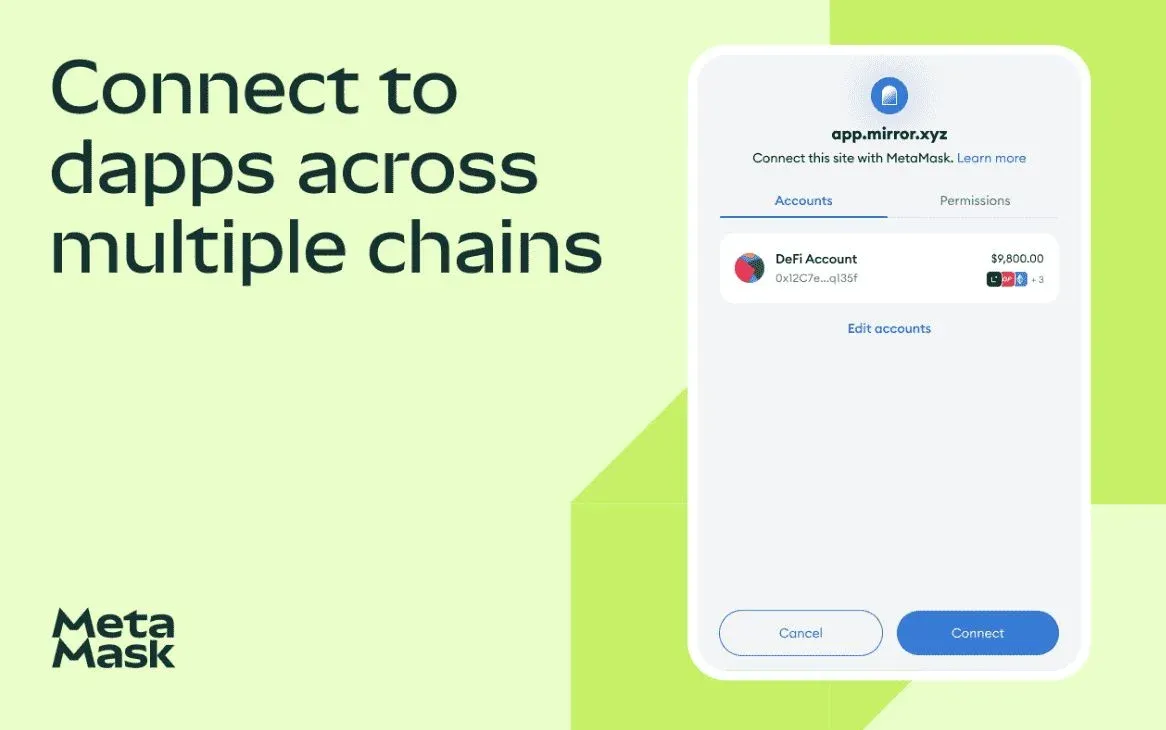
This guide compiles the EVM‑compatible chains that MetaMask officially supports out‑of‑the‑box—such as BNB Smart Chain, Polygon, Avalanche, Fantom, Harmony, Aurora, Optimism, and Arbitrum—and provides step‑by‑step instructions for adding each network to your wallet. Whether you want to connect BNB Smart Chain to MetaMask or freely switch between multiple chains, mastering these steps will make your Web3 interactions more fluid and efficient.
Source: MetaMask
Which blockchains does MetaMask support?
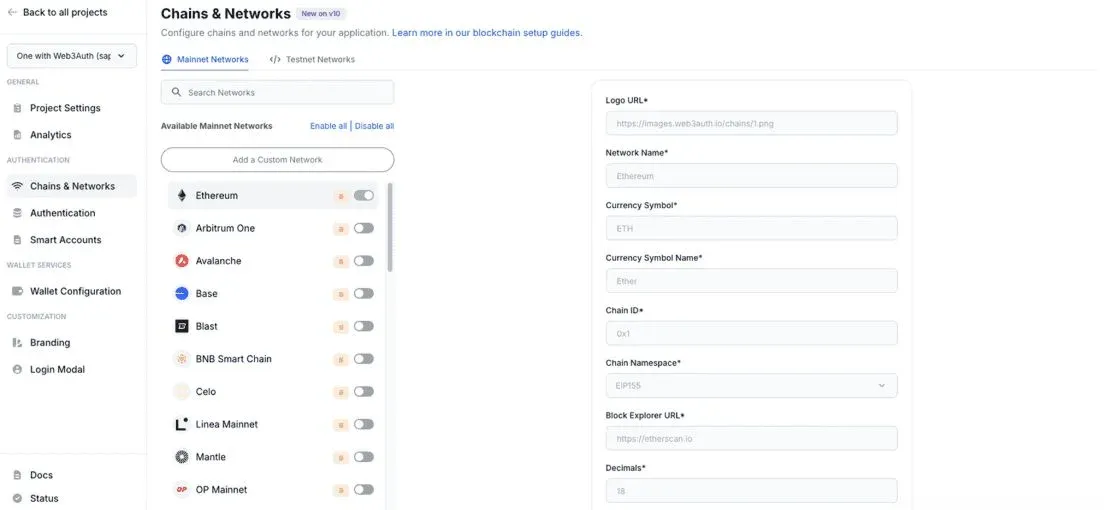
MetaMask employs a modular architecture that maintains full compatibility with Ethereum’s core network while extending support to a range of well‑known EVM alternatives. The currently supported networks include:
- BNB Smart Chain – Binance ecosystem’s high‑throughput chain, ideal for DeFi and gaming.
- Polygon – An Ethereum scaling solution celebrated for low fees and fast confirmations.
- Avalanche – Provides sub‑second finality and customizable subnets for high‑performance use cases.
- Fantom – A DAG‑based consensus chain offering rapid, low‑cost transactions.
- Harmony – Utilizes sharding to achieve high throughput and cross‑chain interoperability.
- Aurora – An EVM layer built on the NEAR protocol, combining Ethereum familiarity with NEAR’s scalability.
- Optimism and Arbitrum – Two major Optimistic Rollup solutions that dramatically cut gas costs while preserving Ethereum’s security guarantees.
A complete list of supported networks can be viewed here. Each chain brings distinct advantages, such as reduced gas fees or environments optimized for NFT trading. By integrating these networks into MetaMask, users can manage assets across a broad ecosystem without switching wallets, thereby increasing flexibility in the fast‑evolving Web3 landscape.
3. Adding Avalanche to MetaMask
Avalanche is prized by developers for its near‑instant transaction confirmations and flexible subnet architecture. Follow these steps to connect it to MetaMask:
- Open MetaMask and navigate to the Settings page.
- Select Network → Add Network.
- In the pop‑up form, enter the following details:
- Network Name: *Avalanche Network*
- RPC URL: `https://api.avax.network/ext/bc/C/rpc`
- Chain ID: 43114
- Currency Symbol: AVAX
- Block Explorer URL: `https://snowtrace.io/`
- Click Save. Avalanche will now appear in the network dropdown and can be used immediately.
2. Adding Polygon to MetaMask
Polygon serves as an Ethereum layer‑2 scaling solution that delivers faster, cheaper transactions, making it especially suitable for dApps and gaming projects. To add it:
- Visit polygonscan.com.
- Scroll to the bottom of the page and click Add Polygon Network.
- A MetaMask permission prompt will appear; choose Approve.
- Once confirmed, Polygon will be listed in your wallet’s network‑switch menu and ready for use.
1. Adding BNB Smart Chain to MetaMask
BNB Smart Chain leverages Binance’s underlying infrastructure to provide high throughput and low‑fee transactions, which is why it has become a popular choice for DeFi and gaming. Follow these steps:
- Log into MetaMask, then go to Settings → Network → Add Network.
- If the list already contains a Smart Chain Mainnet entry, you can select it directly; otherwise, manually input the following:
- Network Name: *Smart Chain*
- RPC URL: `https://bsc-dataseed.binance.org/`
- Chain ID: 56
- Currency Symbol: BNB
- Block Explorer URL: `https://bscscan.com`
- Save the configuration. BNB Smart Chain will now appear among your selectable networks.
4. Adding Fantom to MetaMask
Fantom uses a Directed Acyclic Graph (DAG) consensus mechanism to deliver ultra‑low transaction fees and high throughput, making it a favorite among DeFi projects. The addition process is simple:
- Go to ftmscan.com and locate the Add Fantom Network button in the lower‑left corner.
- Clicking the button triggers MetaMask’s network‑addition prompt.
- Authorize the request, and Fantom will be written into your wallet.
5. Adding Harmony to MetaMask
Harmony employs effective sharding technology to achieve high concurrency and cross‑chain communication, suitable for applications that require massive throughput. Follow these steps:
- In the MetaMask main interface, click the network dropdown and choose Add Network.
- Fill in the following information:
- Network Name: *Harmony Mainnet*
- RPC URL: `https://api.harmony.one`
- Chain ID: 1666600000
- Currency Symbol: ONE
- Block Explorer URL: `https://explorer.harmony.one`
- After saving, Harmony will appear as an optional network.
6. Adding Aurora to MetaMask
Aurora provides an EVM‑compatible layer on top of the NEAR protocol, allowing Ethereum developers to deploy contracts on NEAR while retaining familiar tooling. To add Aurora:
- In MetaMask’s network menu, click Add Network.
- Enter the parameters below:
- Network Name: *Aurora Mainnet*
- RPC URL: `https://mainnet.aurora.dev`
- Chain ID: 1313161554
- Currency Symbol: ETH
- Block Explorer URL: `https://explorer.mainnet.aurora.dev`
- Save the configuration; Aurora will be added to your network list.
7. Adding Optimism to MetaMask
Optimism is an Optimistic Rollup built on Ethereum that significantly reduces transaction fees while preserving Ethereum’s security properties. To integrate it:
- Visit optimistic.etherscan.io and click Add OP Mainnet located at the bottom left of the page.
- A MetaMask authorization window will pop up; click Approve.
- The network will instantly activate in your wallet, allowing you to operate within the Optimism ecosystem.
8. Adding Arbitrum to MetaMask
Arbitrum also relies on Optimistic Rollup technology and has been optimized for higher throughput, making it a key Layer‑2 solution. To add it:
- In the MetaMask network dropdown, select Add Network.
- Input the following details:
- Network Name: *Arbitrum*
- RPC URL: `https://arb1.arbitrum.io/rpc`
- Chain ID: 42161
- Currency Symbol: ETH
- Block Explorer URL: `https://arbiscan.io`
- Save the entry; Arbitrum will now appear in your network list and can be switched to at any time.
What is the upcoming MetaMask airdrop?
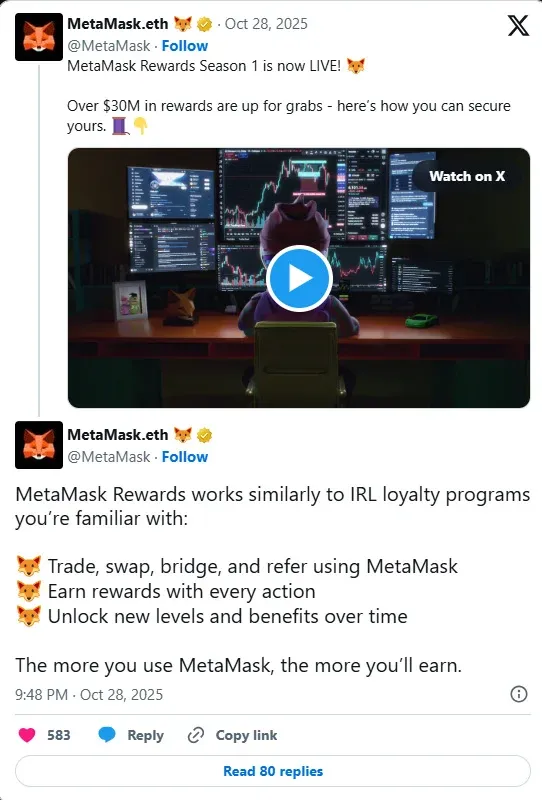
Source: MetaMask via X
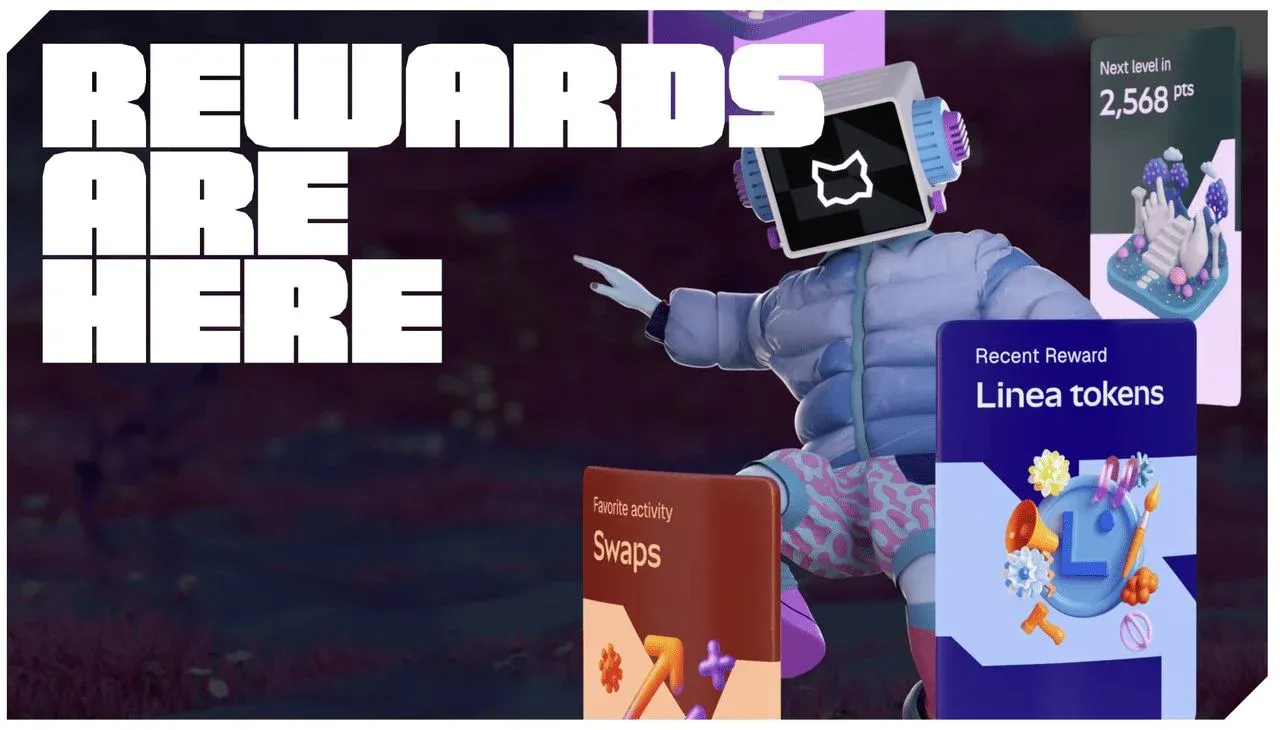
In November 2025, following the official announcement on October 28 of the MetaMask Rewards and Season 1 program, community excitement around an impending airdrop surged, further confirming its authenticity and positioning it as a potential benefit for active users. The program awards points for activities such as token swaps, cross‑chain bridging, and inviting friends. Reportedly, the reward pool includes allocations of LINEA tokens, fee discounts, an exclusive MetaMask metal card, and possibly future airdrop eligibility tied to the MASK token. A MetaMask post on X on October 28 stated: “Season 1 runs for 90 days, launching with over $30 million worth of $LINEA tokens for OGs and newcomers. More rewards will be announced later. All $LINEA earned and held during Season 1 will count toward the future airdrop.”
To improve the likelihood of receiving the airdrop, it is advisable—prior to the projected Q4 2025 distribution or the December token‑generation event (TGE)—to engage in high‑frequency trading on supported EVM chains such as Polygon and Arbitrum, thereby demonstrating long‑term contribution to the MetaMask ecosystem. The exact airdrop date has not been officially set, but sustained activity may increase the chance of a generous payout. Always verify information through official channels to avoid scams.
*Please note that any crypto gains, including airdropped tokens, may be subject to tax in your local jurisdiction. Consult a tax professional for guidance.*
Source: MetaMask
Purchasing MetaMask‑compatible tokens on the Binance spot market
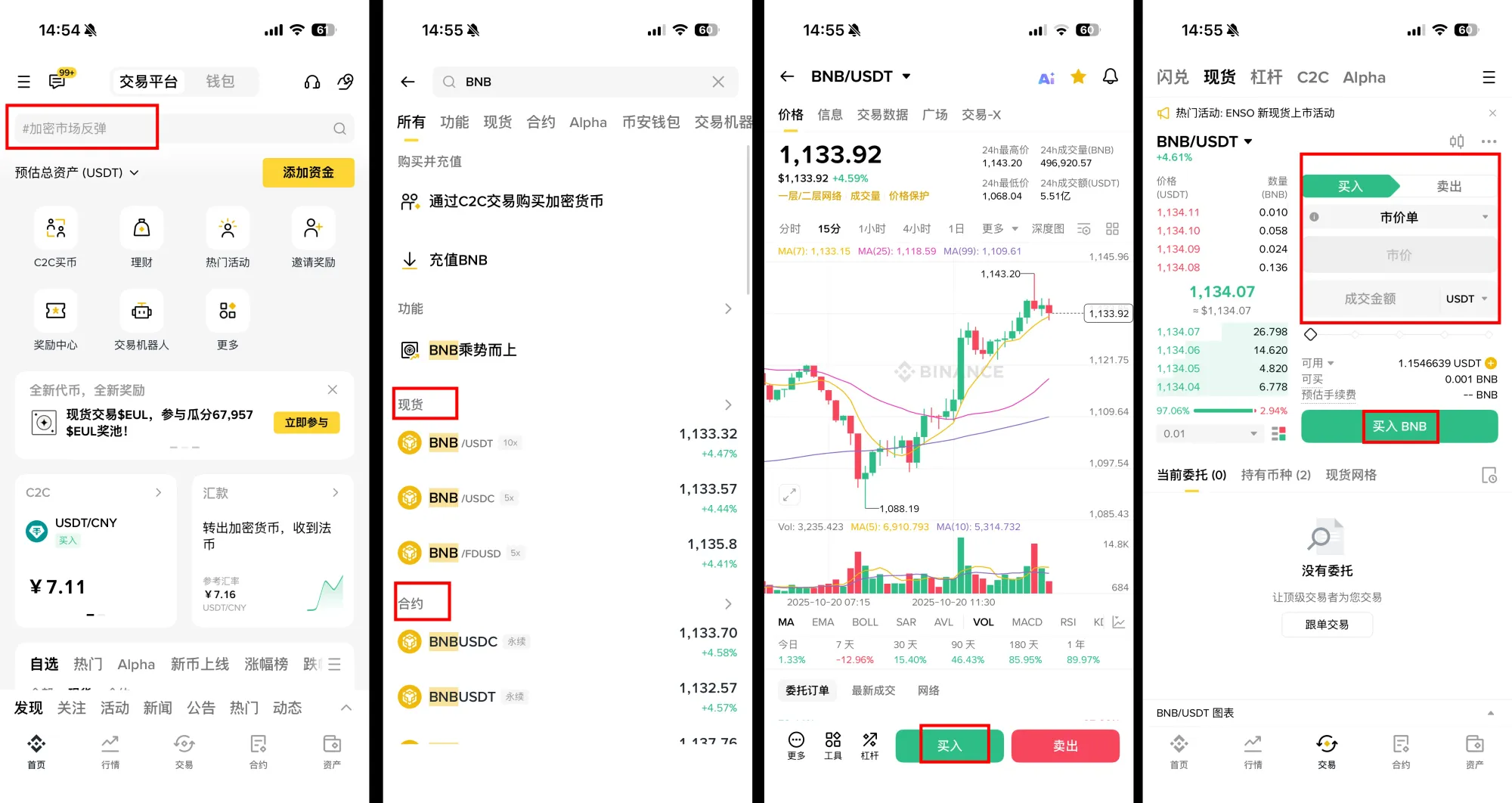
To operate on the networks listed above, you will likely need the native tokens of each chain, such as BNB, MATIC, or AVAX. Binance offers convenient fiat‑on‑ramp and crypto‑on‑ramp options. Follow these steps:
- Open the Binance app (U.S. residents should use Binance.US).
- In the top search bar, type the desired token (e.g., BNB).
- The app will display various trading options (spot, futures, etc.). Choose Spot and then tap Buy.
- For a quick transaction, select a Market Order.
- Enter the purchase amount, verify the details, and submit the order.
Alternative ways to fund your MetaMask wallet
In addition to transferring from a centralized exchange, you can also buy crypto directly within MetaMask using its integrated payment providers, or acquire assets via decentralized exchanges such as Uniswap. When using fiat‑on‑ramps, payments are typically processed in USD and may involve SEPA or SWIFT transfers depending on your location. Always ensure you comply with local regulations and consider the tax implications of any on‑chain activity.
💡 Register on Binance with referral code B2345 for the maximum trading fee discount. See Binance complete guide.



