
 Bitaigen Research
 For readers who want to experience NFT trading on the OpenSea testnet, we have organized the complete workflow—from switching networks and connecting a wallet to completing a purchase—and briefly explained the platform’s core strengths. With this guide, you can quickly get started in a safe environment; subsequent sections will also provide practical tips, so stay tuned.
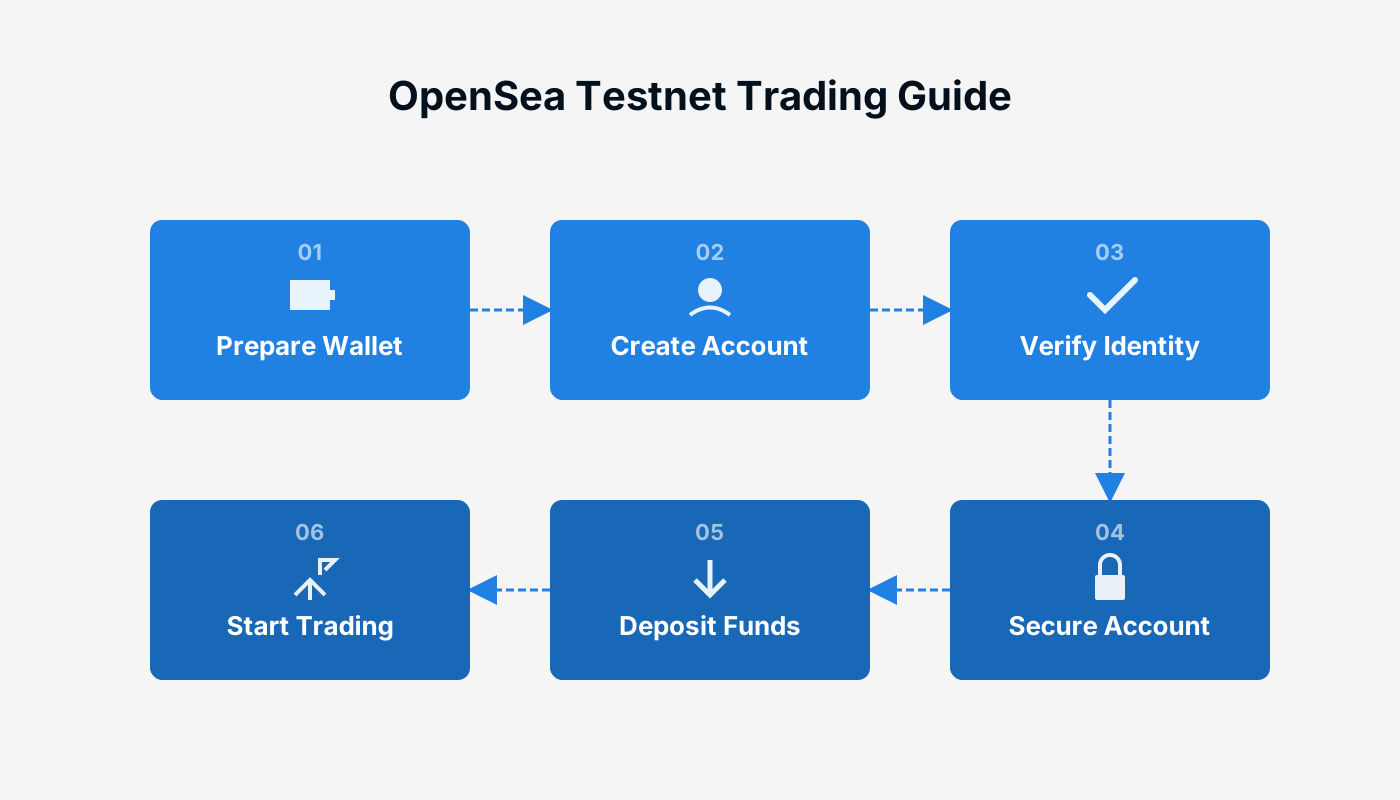
The steps to complete an NFT transaction on the OpenSea testnet are: switch your browser’s network to the Rinkeby Testnet, connect a crypto wallet, claim test tokens, browse the test marketplace and select an NFT, click “Buy Now,” and finally confirm the transaction in your wallet.
OpenSea is the largest NFT (non‑fungible token) marketplace on the Ethereum network, supporting the trade of digital artwork, crypto collectibles, in‑game items and other tokens that follow the ERC‑721 and ERC‑1155 standards. As industry attention on the future of NFTs grows, OpenSea has become the go‑to entry point for many users worldwide.
To date, OpenSea has closed a $23 million Series A financing round led by a16z, with participation from the Cultural Leadership Fund and angel investors such as Ron Conway, Mark Cuban, Tim Ferriss, Belinda Johnson, Naval Ravikant, Ben Silberman and others.
There have been rumors that OpenSea will issue its own token, but regardless of the final plan, experimenting on its test network remains an effective way to become familiar with the platform’s functionality. Below is a detailed OpenSea test‑net walkthrough.
OpenSea Test‑Net Walkthrough
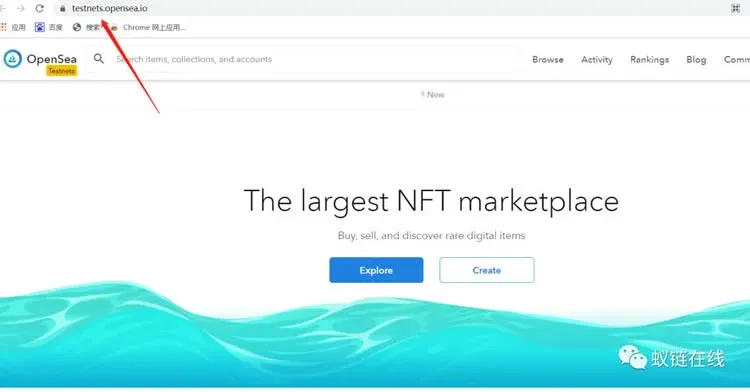
- Open the test site
Use Google Chrome (or any Chromium‑based browser) to visit https://testnets.opensea.io/ and switch the network setting to Rinkeby Testnet.
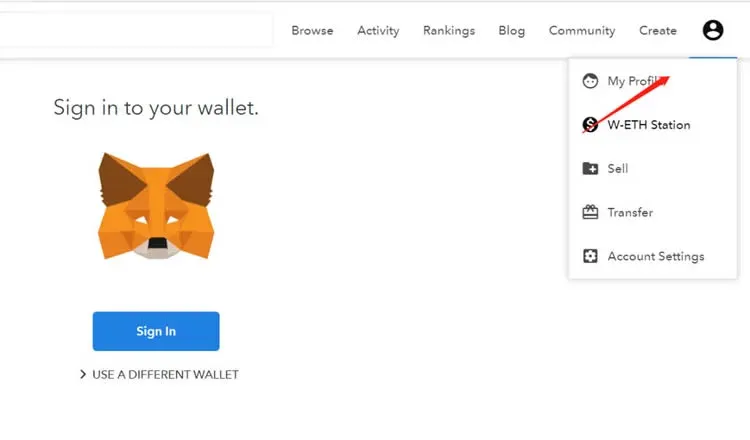
- Connect your wallet
Click “Connect Wallet” at the top‑right corner of the page, choose a wallet that supports the Rinkeby network (for example MetaMask), and grant the necessary permissions to establish the connection.
- Claim test tokens
Visit a Rinkeby faucet to obtain a small amount of Rinkeby ETH, which will be used to pay the transaction fees that occur later. Existing tutorials can guide you through the faucet process.
- Browse and select an NFT
Enter the test marketplace, explore the available NFT projects, and click on any piece that catches your eye to open its detail page.
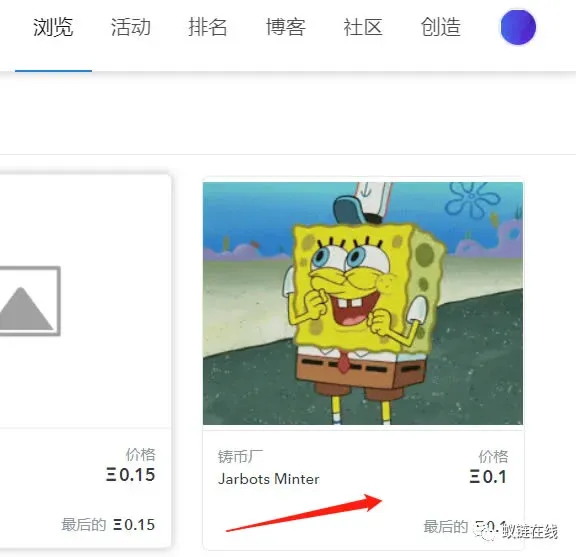
- Buy now
On the NFT’s detail page, press the “Buy Now” button. A transaction‑confirmation window will pop up.
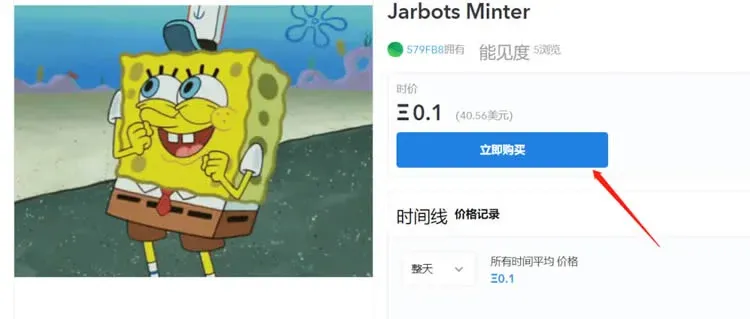
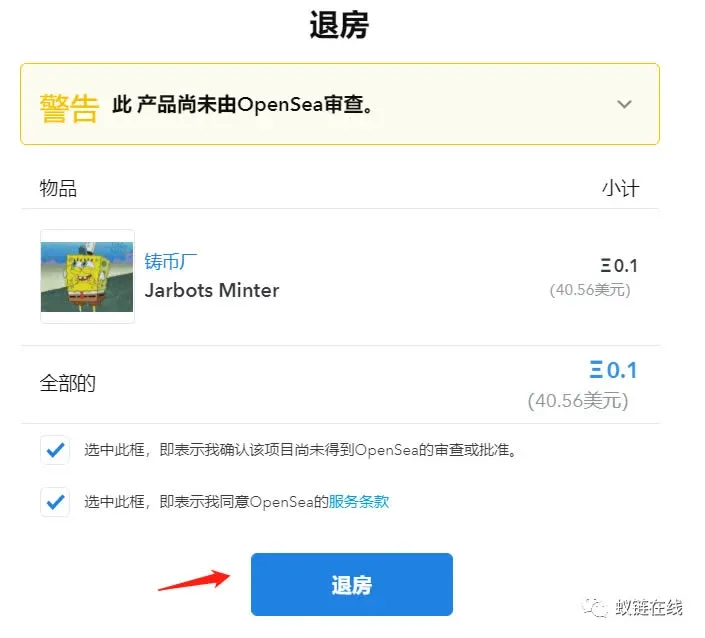
- Confirm in your wallet
A pop‑up from your wallet will display the transaction details. Review the information, confirm the operation, and wait for the blockchain to finalize the block. Once confirmed, the purchase is complete.
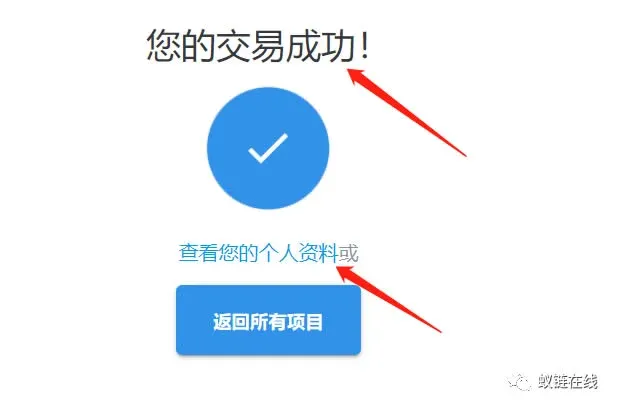
The steps above outline how to test the largest NFT marketplace—OpenSea—in a sandbox environment. For additional OpenSea test‑net tutorials, follow the other articles published by Bitaigen (比特根).
*Note for global users:* When converting fiat to crypto for any on‑chain activity, you can use USD via SEPA or SWIFT channels where applicable. U.S. residents should use Binance.US rather than the international Binance platform to stay compliant with local regulations. Crypto gains may be taxable in your jurisdiction, so consider consulting a tax professional.
Related Reading
- BSC Beginner Guide: Differences, Wallets & Top DeFi Projects
- OpenSea Final Reward Phase: Earn Tokens & NFTs Before TGE
- MegaETH Testnet: Join, Earn Airdrops & Assess Value
💡 Register on Binance with referral code B2345 for the maximum trading fee discount. See Binance complete guide.



