
 Bitaigen Research
 We outline the entire process of activating and placing orders on Huobi Futures in this article, covering identity verification, fund transfers, leverage selection, position opening and closing. The guide includes operational instructions and risk reminders to help beginners get started quickly and trade with greater confidence. If you want to learn the specific timing for using higher leverage, continue reading for the full details.
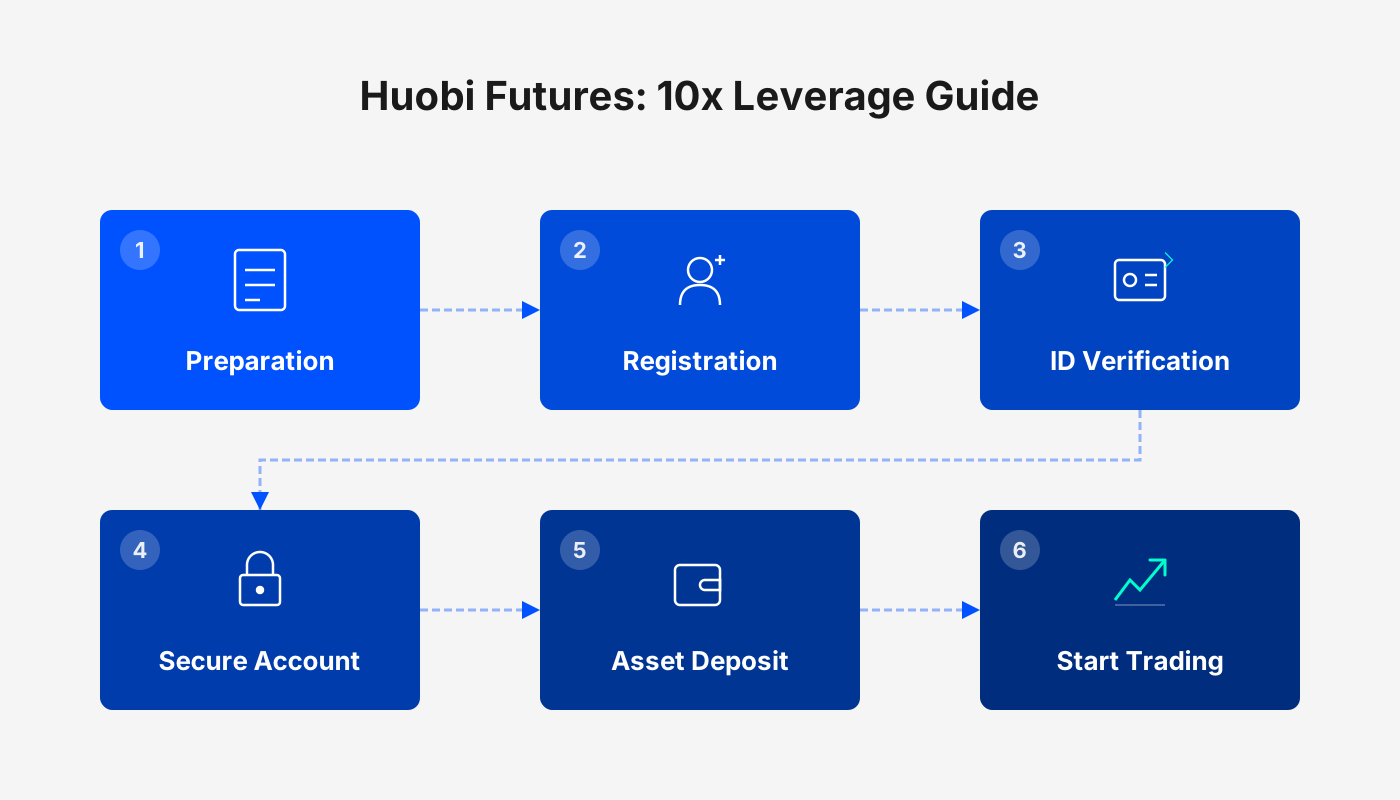
How to Trade Huobi Futures? When Can 10× Leverage Be Enabled on Huobi Futures?
On the Huobi platform, first complete identity verification and risk assessment, then transfer funds to the Futures account. After that, select the futures contract type, leverage multiplier, and place a long or short order. New users can initially use up to 5× leverage; a 10× multiplier becomes available only after a one‑month evaluation period.
How to Trade Huobi Futures
Overview of the Trading Flow
- Select the futures contract type: weekly, bi‑weekly, quarterly, or perpetual contracts.
- Fill in the order: open a long (buy) or short (sell) position.
- Hold the position: wait for a suitable market condition.
- Close the position: close long or short to realize profit or loss.
Detailed Step‑by‑Step Procedure
- Log in to your account and click the “Futures Account” option on the left sidebar.
- If a pop‑up shows “Futures trading not activated”, click “Activate Trading” to go to the activation page.
- After completing identity verification and risk assessment, click “Next”, read and agree to the User Service Agreement, then submit. You will be taken to a short questionnaire; after answering, click “Confirm Activation of Trading”.
- Once activated, click “Transfer Funds” (or use the top‑menu navigation Assets → Transfer) to move digital assets from your Spot Account to your Futures Account.
- Only transfers between Spot and Futures accounts are supported.
- After a successful transfer, the Futures trading page will display your Total Equity (converted to BTC) in the upper‑left corner; click the eye icon to hide the asset details if desired.
- On the Futures trading page, select the appropriate contract type (e.g., BTC Weekly Futures).
- Set the leverage multiplier (1×, 5×, 10×, 20×, etc.) and choose either a “Limit Order” or a “Scheduled Order”. Click “Buy to Open Long” when bullish, or “Sell to Open Short” when bearish.
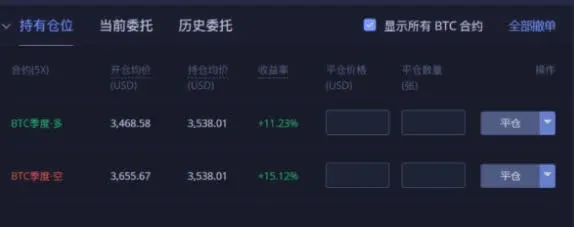
- Once the order is filled, the position appears in the “Open Positions” section; any unfilled portion shows under “Current Orders”, where it can be cancelled before matching.
- To close a position, you can also use a “Limit Order” or “Scheduled Order”. Click “Sell to Close Long” for long contracts, or “Buy to Close Short” for short contracts.
- Via the top‑menu “Futures Info”, you can view settlement records, risk reserve, long/short sentiment, and other metrics.
- On the “Assets” page, review the balances of each futures contract account, and click “Financial Records” to query the past three months of financial details.
- Navigate to “Orders → Order History” and “Trade History” to examine order and execution details for the last three months.
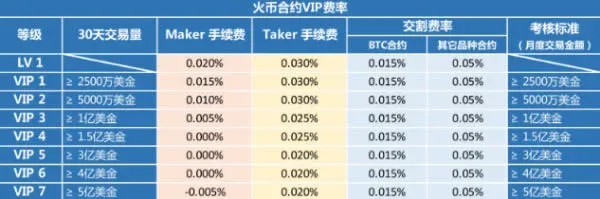
- Click the personal avatar in the top‑right corner → “My Data” to see trading statistics, trading limits, fee rates, and related information.
When Can 10× Leverage Be Enabled on Huobi Futures?
| Contract Type | Available Leverage Options | Settlement Method |
|---|---|---|
| Weekly | 1×, 5×, 10×, 20× | Mandatory liquidation every Friday afternoon |
| Bi‑weekly | Same as above | Mandatory liquidation the following Friday; profits can be withdrawn before settlement |
| Quarterly | Same as above | Mandatory liquidation on the last Friday of each quarter; other settlement dates allow profit withdrawals |
| Perpetual | Same as above | No expiration; margin requirement grows with holding time |
- Weekly contracts: Settlement occurs each Friday afternoon; positions are forcibly liquidated regardless of profit or loss.
- Bi‑weekly contracts: Settlement on the next Friday; positions are not liquidated on the current week’s settlement day, allowing profit withdrawal.
- Quarterly contracts: Mandatory liquidation on the final Friday of each quarter; other settlement dates follow the bi‑weekly rules.
- Perpetual contracts: No fixed expiry; traders can hold long or short positions indefinitely, but the required margin increases the longer the position is held.
How Quickly Can High Leverage Be Used on Huobi Futures?
- Maximum leverage for new users: First‑time futures traders are limited to 5× leverage.
- Evaluation mechanism: After a user has been active for one month, the system evaluates their risk‑management ability and capacity. Passing this assessment may unlock higher leverage options, including 10×.
Note: Beginners should approach high leverage with caution and fully understand the risks associated with futures contracts before gradually increasing exposure.
Common Learning and Analysis Tools
- Feixiaohao (Non‑Xiaohao): Checks trading volume and authenticity across platforms and coins.
- CoinMarketCap: Provides global crypto market cap, volume, and other data; functionality similar to Feixiaohao.
- Alcoin: Offers long/short ratios, market anomalies, chart plugins, and alert notifications.
- Coincoin: Supplies professional indicators such as long/short elite index and capital flow metrics.
The above constitutes a complete overview of Huobi Futures trading mechanics and the timing for unlocking 10× leverage. For additional Huobi Futures news and insights, follow Bitaigen (比特根) and its other articles.
Related Reading
- Bitcoin Futures: Common Scams & Real Relationship
- MANTRA Layer 1: Bridging TradFi and RWA with Compliance
💡 Register on Binance with referral code B2345 for the maximum trading fee discount. See Binance complete guide.



