
 Bitaigen Research
 aPay Wallet is a full‑chain payment tool built on the abey blockchain, designed to seamlessly connect digital assets with fiat currencies for everyday spending. Users can exchange digital currencies for the USD‑pegged stablecoin aCash directly within the wallet, without needing an exchange or other intermediary, thereby saving time and avoiding additional transaction fees.

In this article we provide an in‑depth evaluation of the aPay wallet built on the abey blockchain, focusing on its full‑chain payment, asset exchange, and crypto credit‑card features. Through interface demonstrations we help readers understand how to achieve rapid conversion between digital assets and fiat without an exchange, and we briefly explore its cross‑border remittance and low‑fee transfer advantages. For a step‑by‑step usage guide, keep reading.
What functions does aPay Wallet offer?
- Multi‑chain asset exchange
aPay supports mutual conversion among BTC, BCH, ETH, ETC, LTC, DASH, EOS, XRP, ZEC and the native abey token ABEY. Users can swap any holding for the aCash stablecoin directly within the wallet.
- Cryptocurrency credit card
After depositing crypto assets onto the platform, users can apply for three different card brands: UnionPay, Mastercard, and Visa. Merchants only need to accept ordinary credit‑card payments; aPay automatically converts the crypto to fiat in the background and completes settlement. Cardholders can spend or withdraw cash in more than 150 countries worldwide.
- Cross‑border remittance and low‑fee transfers
Leveraging the abey blockchain’s high throughput (over 100,000 transactions per second) and extremely low fees (as little as $0.00001 per transaction), users can perform fast, low‑cost cross‑border transfers. Traditional fiat transfers can still be routed through SEPA or SWIFT channels when needed.
- Ecosystem application gateway
The wallet includes an “Apps” module that directly connects to DeFi, NFT, gaming and other projects in the abey ecosystem. Users can authorize and trade within the wallet without jumping to external platforms.
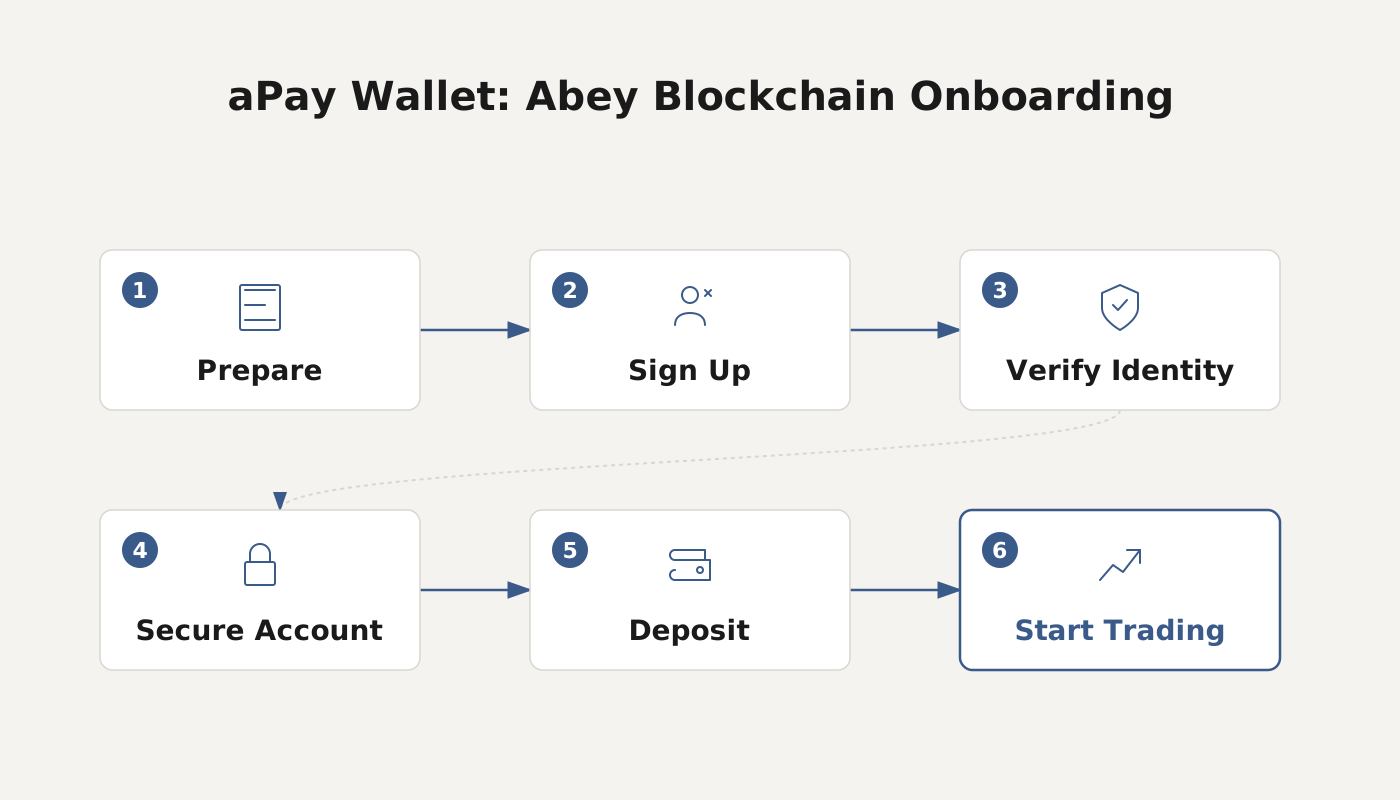
How to use aPay Wallet?
- Download the client
Visit the official abey website https://www.abey.com/, click the “Download” button at the top right, and select the appropriate operating system (Windows, macOS, Linux) to download the installer.
- Install and create an account
Follow the installation wizard, finish the software setup, then create a brand‑new wallet account and set a strong password.
- Secure backup
The system will generate a mnemonic phrase and a private key. Store them safely and never share them, as they are essential for asset recovery.
- Obtain your wallet address
Your unique wallet address is displayed on the main screen and can be used to receive or send crypto assets. You can fund this address via exchanges, mining pools, or other sources.
- Exchange for aCash
Open the “Exchange” feature, select the cryptocurrency and amount you wish to convert, and the system will show the real‑time rate and fee. Confirm the details to complete the swap to aCash.
- Apply for a credit card
In the “Credit Card” section, choose the desired card type (UnionPay, Mastercard, or Visa), set your credit limit and PIN, and activate the card. You can then view the card balance, transaction history, and perform top‑ups or cash‑out operations at any time.
- Explore ecosystem apps
Open the “Apps” module, filter by interest categories such as DeFi, NFT, or gaming, read project summaries and reviews, and execute authorizations or trades directly inside the wallet.
Summary
aPay Wallet integrates digital‑asset exchange, credit‑card payments, cross‑border transfers, and ecosystem applications into a single platform. With a single download and account creation, users can bridge from cryptocurrencies to the aCash stablecoin within the wallet, then spend or withdraw globally via UnionPay, Mastercard, or Visa cards. Thanks to the abey blockchain’s capacity of more than 100,000 transactions per second and a fee of just $0.00001 per transaction, aPay offers an efficient, low‑cost solution for international remittances and on‑chain activities. For further details on aPay’s features and usage, please follow the coverage released by Bitaigen (比特根).
Related Reading
- Safe Binance Withdrawal Methods: Fees, Speed & Risk Guide
- What Is a Crypto Payment Gateway? Functions, Benefits & How to Choose
💡 Register on Binance with referral code B2345 for the maximum trading fee discount. See Binance complete guide.



