
 Bitaigen Research
 We have systematically organized the operational workflow and core concepts of OKX perpetual contracts for beginners, focusing on the mechanics of going long, going short, and liquidation, and providing practical risk‑control techniques. Read on to help you develop a correct mindset for leveraged trading and reduce the likelihood of blind, uninformed actions.
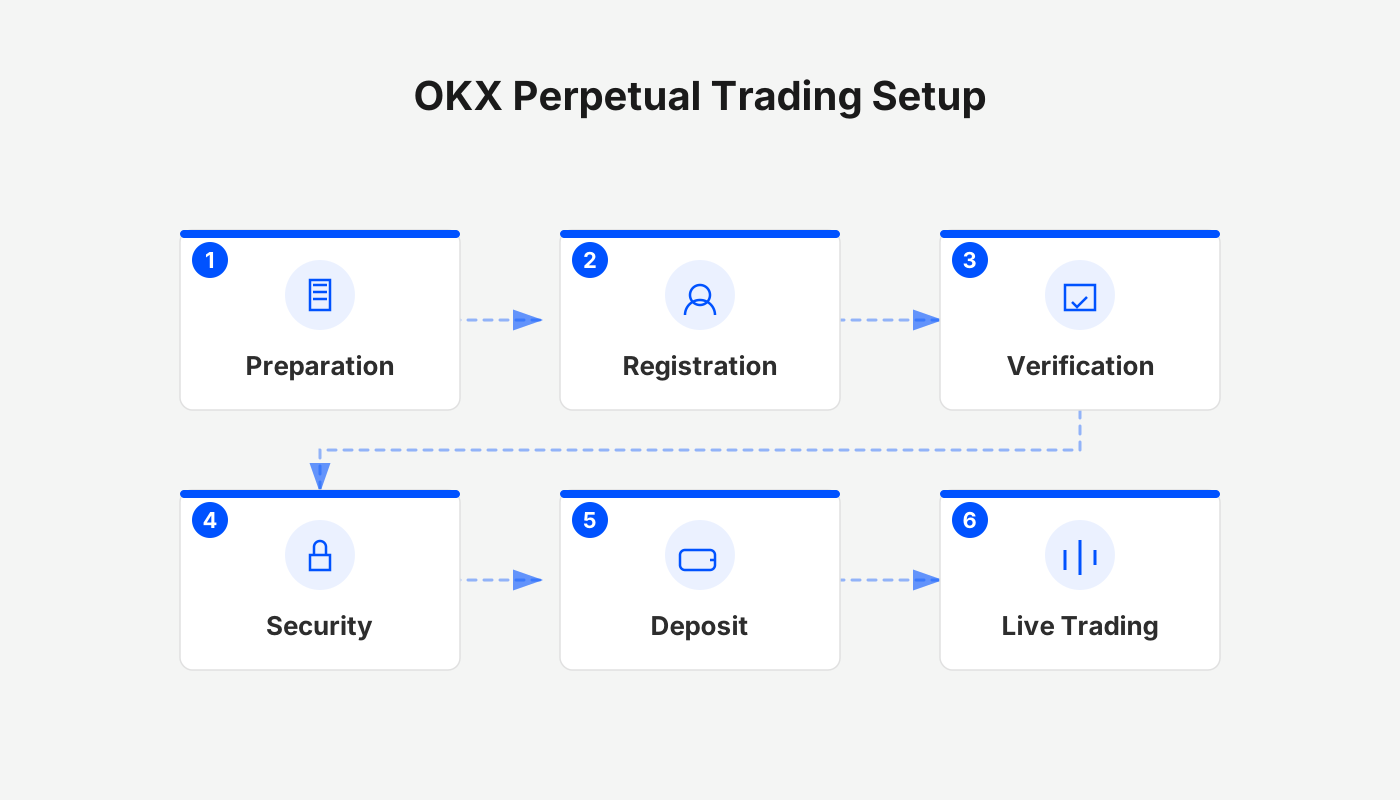
OKX contract trading refers to buying and selling perpetual contracts on the OKX platform with leverage. Traders can go long or go short to speculate on the price movement of a cryptocurrency, thereby earning leveraged returns or assuming the corresponding risk.
Before you start operating, you must first understand three core concepts: short, long, and liquidation. These three elements determine the basic logic of contract trading and its potential risks.
1. Quick Review of Core Concepts
- Long (Buy): In the contract interface this corresponds to “Buy”, essentially betting that the price will rise.
- Short (Sell): Corresponds to “Sell”, essentially betting that the price will fall.
- Liquidation: When the loss on a position exceeds the margin, the system forcibly closes the position, causing the entire position to become invalid.
Example Illustration
Assume you are bullish on BTC and use 100 USD as margin to open a 5×‑leverage perpetual long position:
- Price rises 10 %: Profit = 10 % × 5 × 100 USD = 50 USD (principal grows by 50 %).
- Price falls 20 %: Loss = –20 % × 5 × 100 USD = –100 USD, theoretically wiping out the entire margin. In practice, the exchange will automatically trigger a partial liquidation as the loss approaches the margin to prevent a negative balance.
Tip: The liquidation price is usually higher (i.e., less favorable) than the theoretical liquidation point because the exchange needs to collect fees and avoid a negative‑balance situation.
2. Register and Enter the OKX Contract Interface
- Use the link below to register an OKX account and receive a 20 % permanent fee rebate plus up to 50 USD in bonuses (you must enter the referral code `B2345`).
- OKX new‑user registration: Click to register
- OKX APP download: Click to download *(U.S. residents who need Binance services should use Binance.US rather than the global Binance platform.)*
- Open the OKX APP, repeatedly tap the black “Trade” button at the bottom → select Contract Trading.
- The first time you enter, the app will prompt you to enable contract trading; simply follow the on‑screen instructions to complete the risk‑acknowledgement step.
3. Choose the Contract Underlying and Pricing Method
In the upper‑left corner, select a trading pair, for example BTC/USDT Perpetual. Contracts are divided into two major categories:
| Contract Type | Quotation Unit | Ideal For |
|---|---|---|
| **USDT‑Margined Contracts** (e.g., BTC/USDT Perpetual) | USDT | Users who prefer profit and loss to be expressed in USD, making it easier to track actual returns |
| **Coin‑Margined Contracts** (e.g., BTC/USD Perpetual) | BTC | Users who are long‑term bullish on the coin itself and wish to have P&L denominated in the cryptocurrency |
Difference: With USDT‑margined contracts, profit and loss are directly shown in USDT, which can be instantly converted to USD. With coin‑margined contracts, P&L is expressed in the number of coins, requiring you to factor in the current market price to determine fiat value.
This tutorial defaults to demonstrating a USDT‑margined (BTC/USDT Perpetual) contract.
4. Margin Mode: Cross vs. Isolated
- Cross (Cross‑Margin): All funds in your account act as a shared margin pool; a loss on a single position can consume the entire account balance. Suitable for traders with ample capital who are comfortable bearing overall risk.
- Isolated (Isolated‑Margin): Each position uses only the margin allocated to it; losses are limited to that specific margin and will not affect other assets in the account. Recommended for beginners as it helps contain risk.
5. Set the Leverage Multiplier
Tap the leverage field to select a preset multiplier or manually input a value. For example, entering 5 sets a 5× leverage.
Risk Warning: Higher leverage amplifies both profit and loss. Leverage above 30× should only be used after small‑scale testing and with full awareness of the heightened risk.
6. Order Types and Optional Settings
- Market Order: Executes immediately at the current market price, suitable for quick entry or exit.
- Limit Order: Sets a target price; the order fills only when the market reaches that price.
Reduce‑Only option: When checked, any new position in the same direction is prohibited; you can only close existing positions before opening a new one. In most cases you do not need to enable this.
7. Basic Use of Take‑Profit and Stop‑Loss
After checking Take‑Profit/Stop‑Loss, two input fields appear:
| Parameter | Function |
|---|---|
| Take‑Profit Trigger Price | Automatically closes the position when profit reaches the specified price, locking in gains. |
| Stop‑Loss Trigger Price | Automatically closes the position when loss reaches the specified price, preventing further downside. |
Example: Set a take‑profit at 5 % (approximately 72,000 USD) and a stop‑loss at 2 % (approximately 67,600 USD). The system will trigger a closure at the corresponding price levels.
8. Opening Positions and Managing Existing Positions
- On the contract page, tap Buy/Long (or Sell/Short) to place the order.
- Once successful, the Positions page will display:
- Position Size, Margin (adjustable),
- Entry Price, Mark Price, Estimated Liquidation Price (the system’s projected liquidation level).
If the unrealized loss approaches 95 % of the margin and the price nears the liquidation level, you can add margin (tap the “+” next to the margin field) to lower the liquidation risk.
9. Closing Positions
- Partial Close: In the “Close” section, select the amount you wish to close, e.g., close 50 % of the position while keeping the remainder active.
- Market Full Close: Close the entire position in one click, useful for rapid exits or stop‑loss execution.
10. Recap of Key Risk‑Control Points
- Know Your Leverage: Fully understand how the chosen multiplier scales both profit and loss before committing.
- Prefer Isolated Margin: Beginners should start with isolated margin to prevent a single losing trade from draining the whole account.
- Set Take‑Profit and Stop‑Loss in Advance: Pre‑define trigger prices to avoid emotion‑driven decisions.
- Monitor the Estimated Liquidation Price: Keep an eye on this metric in real time; add margin if necessary.
- Allocate Position Size Wisely: Do not risk more than a comfortable percentage of your total capital on any single trade.
Perpetual contracts offer higher leverage and greater price volatility compared with spot trading, which means the risk level is also elevated. Please ensure you fully understand the rules and risks before deciding to participate.
Tax Note: Gains from cryptocurrency trading may be subject to tax in your local jurisdiction; consult a qualified tax professional to determine your obligations.
---
This concludes the article “What is OKX contract trading? How to trade perpetual contracts? Complete beginner’s guide and risk‑control strategy.” For more detailed information about OKX contracts, you can search the Bitaigen (比特根) archive or continue reading the related content linked below. Thank you for your attention!
Related Reading
- OKX Strategy Airdrop Voucher: Zero‑Risk Automated Trading
- Transfer HKD to Perpetual Futures via Hashkey & Backpack
- Buy Bitcoin on Regulated Exchanges: A Beginner’s Guide to OKX
💡 Register on Binance with referral code B2345 for the maximum trading fee discount. See Binance complete guide.



