
 Bitaigen Research
 imToken wallet utilizes world‑leading blockchain encryption technology, storing user assets with a private password‑protected private key. It is regarded as a highly reliable crypto wallet. To date, it has provided secure and trustworthy digital‑asset management services to tens of millions of users across more than 150 countries, with total transferred value exceeding USD 500 billion.
In this article we walk you through the complete withdrawal process for the imToken wallet, covering essential steps such as obtaining the destination address, selecting the correct network, and confirming transaction fees. Follow the guide to safely and quickly move your assets off the wallet.
How to Transfer Coins Out of the imToken Wallet?
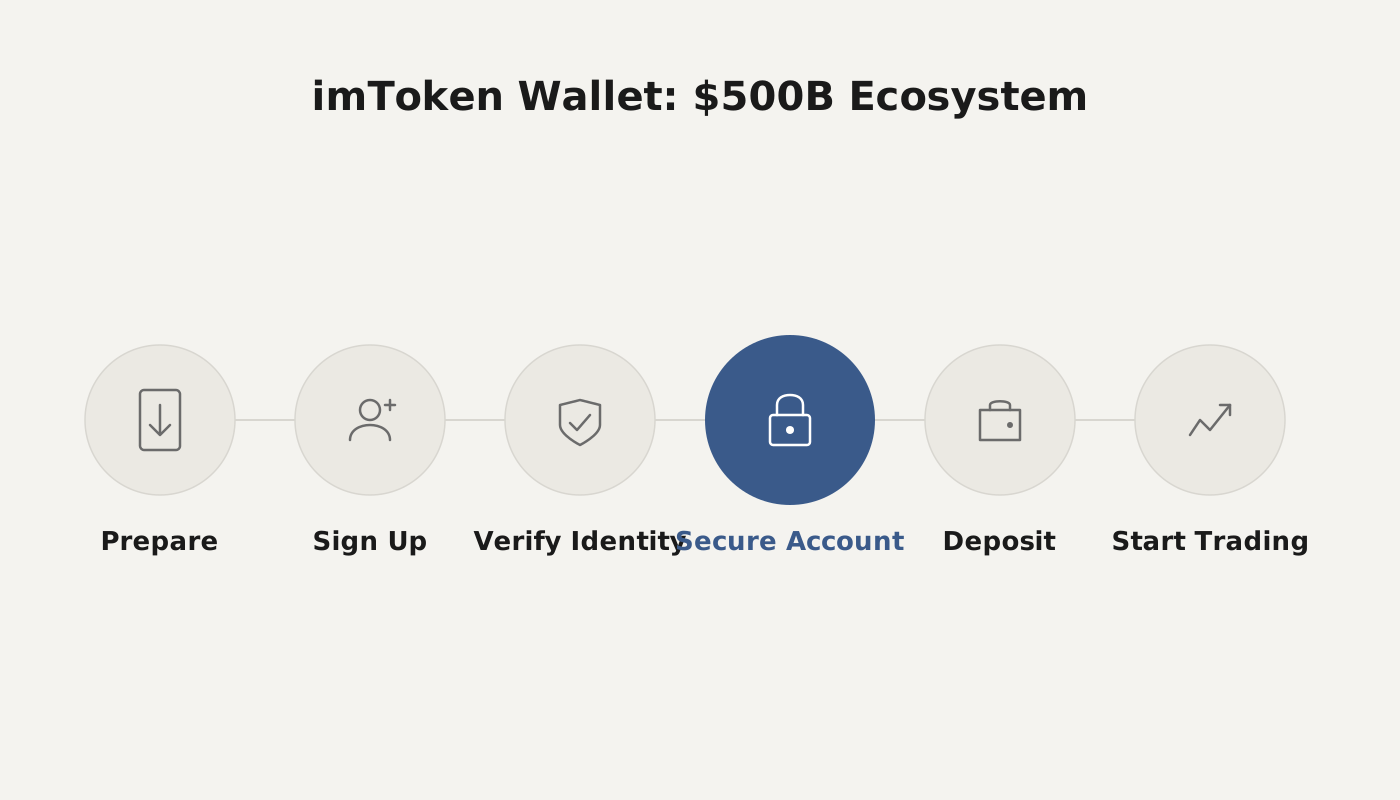
With just a few simple steps you can move tokens from imToken to an external exchange. The workflow includes obtaining a deposit address from the target exchange, selecting the appropriate network in imToken, entering the address, confirming the amount, and paying the miner fee to finalize the transfer.
Below we use BNB transferred from imToken to Binance as a concrete example. The detailed procedure is as follows:
- Log in to Binance (if you do not yet have an account, you can click here for a registration guide). In the left‑hand menu select “Wallet” → “Deposit”, then locate BNB or any other token supported on the Binance Smart Chain (BSC) in the asset list.
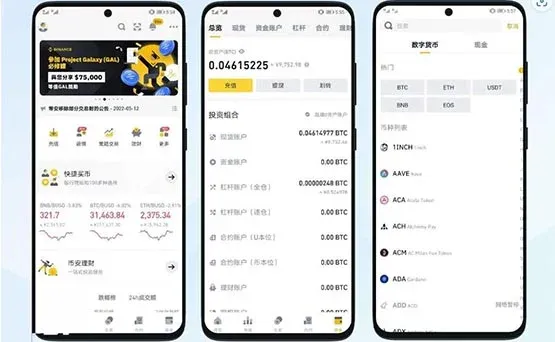
*Note for United States residents: you must use Binance.US instead of the global Binance platform.*
- In the pop‑up deposit page, locate the Network dropdown and choose “BNB Smart Chain (BEP20)”. Then copy the displayed deposit address to your clipboard.
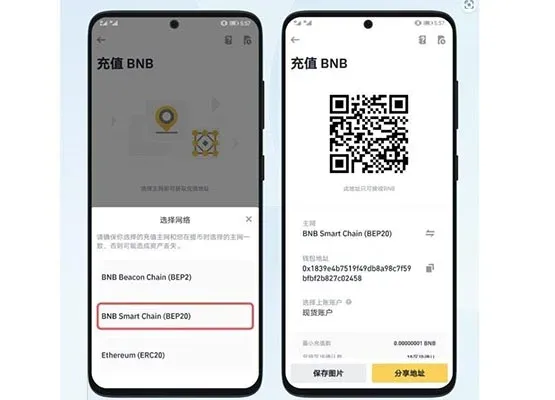
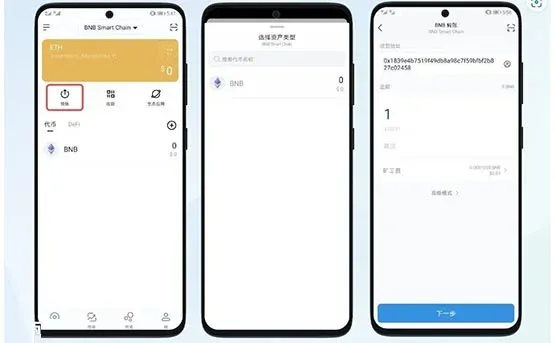
- Open imToken, navigate to the BSC wallet screen, and tap the “Transfer” button on the assets page. In the transfer dialog select BNB, paste the Binance deposit address you copied in step 2, input the amount you wish to withdraw, and tap “Next”. After reviewing the details, confirm and pay the required miner fee. The transaction will then be broadcast to the network and your BNB will arrive at Binance.
---
Comprehensive Overview of the imToken Wallet
imToken is a blockchain‑based digital‑wallet service that supports Ethereum (ETH) and a wide variety of ERC‑20 tokens. Designed with simplicity and ease of use in mind, it helps users securely manage their crypto holdings. Its core features include:
- Multi‑layer security: Local private‑key encryption, password lock, and multi‑signature authorisation mechanisms work together to prevent unauthorised access to assets.
- Decentralised‑application (DApp) gateway: Users can browse and interact with decentralised exchanges, auction platforms, and other DApps directly inside the wallet, allowing safe sending, receiving, and smart‑contract participation without leaving the app.
- One‑click asset addition: Through integrations with platforms such as Daofu (a major Chinese token‑listing service), ordinary users can add multi‑chain assets without needing to understand the underlying smart‑contract addresses.
Compared with traditional electronic banking, using cryptocurrencies involves additional layers of complexity, which creates a demand for a powerful yet user‑friendly wallet. imToken, launched by Hangzhou‑based Rongshi Technology, offers storage, transfer, and one‑click token‑addition capabilities, lowering the barrier for non‑technical users to interact with smart contracts.
The rapid growth of DeFi introduces three primary challenges: private‑key management, transaction (gas) fees, and operational intricacy. As a foundational piece of blockchain infrastructure, imToken continuously iterates its feature set, expanding its role from a simple token vault to a low‑cost, high‑efficiency daily‑use platform. It also actively promotes blockchain education, helping users participate in the digital‑finance ecosystem more safely and conveniently.
The steps above constitute a complete guide on how to withdraw assets from the imToken wallet. For deeper insights into imToken’s ecosystem, security model, and advanced functionalities, please explore additional articles on Bitaigen (比特根).
Related Reading
- Mnemonic Phrase Recovery: Tools, Strategies & Brute‑Force
- Private Key, Mnemonic Phrase & Keystore Passwords
- How to Create or Import a Polkadot (DOT) Wallet with TP Wallet
💡 Register on Binance with referral code B2345 for the maximum trading fee discount. See Binance complete guide.



