
 Bitaigen Research
 HashKey International Version Registration Guide
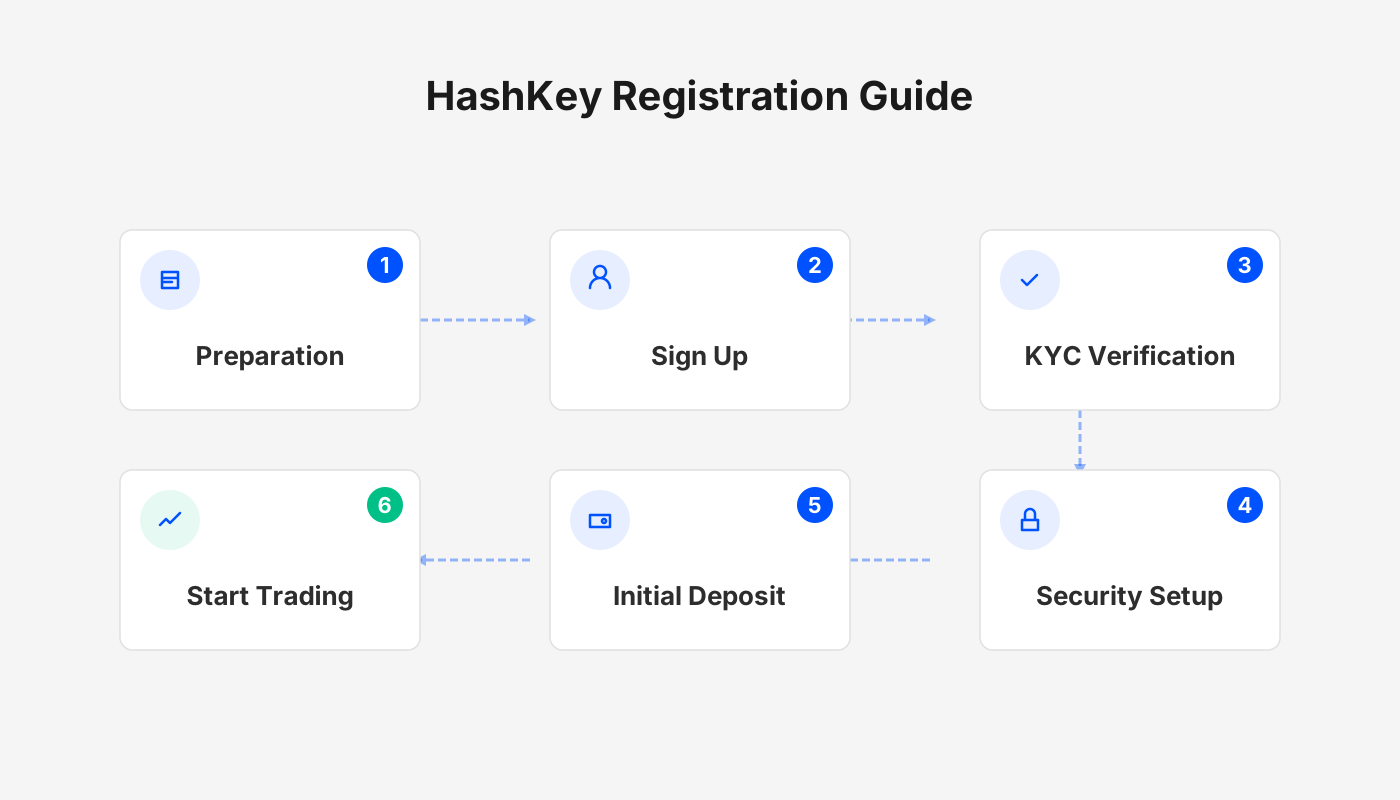
Step 1: Preparation
Before you start the registration, have the following information ready:
- Email address – used to receive verification codes and important notifications.
- Mobile phone number – receives SMS codes and is required for login.
Step 2: Fill in the Registration Information
- Open the HashKey official website or the app‑store page.
- Choose “International (Global)” for download (not the Hong Kong‑local version).
- On the login screen, click Register and sequentially enter your email, mobile number, and request the verification code.
- After completing the form, the account will be created in about 1 minute.
Step 3: Download and Install the App
- Once registration succeeds, the system will pop up an App Store button; click it to be redirected to the download page.
- Important: Be sure to download the International version; the Hong Kong version is limited to local users and the two versions are not interchangeable.
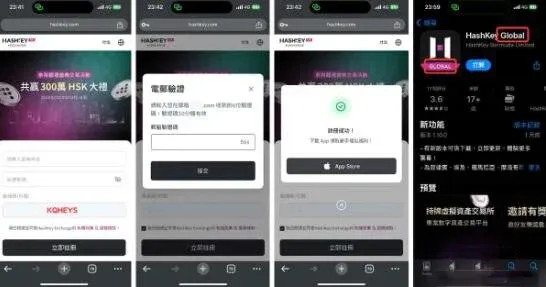
HashKey Exchange KYC (Real‑Name Verification) Tutorial
After you have created an account, you must complete KYC (Know‑Your‑Customer) verification before you can use the platform normally. The whole process takes roughly 10 minutes, similar to opening a bank account, and is completed entirely online.
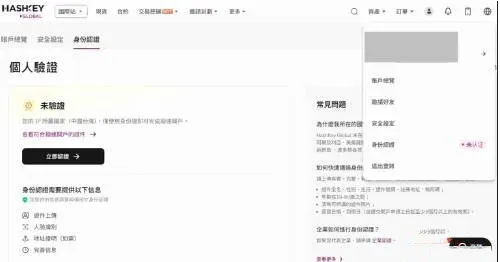
Step 1: Access the KYC Page
- Tap the personal avatar in the top‑right corner of the app.
- Select Identity Verification to start the process.
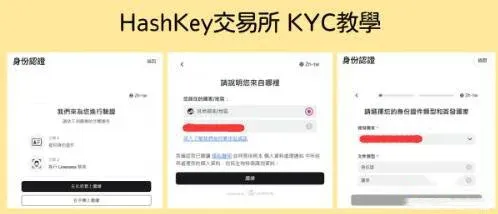
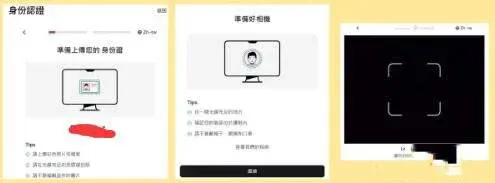
Step 2: Upload Your Documents
- First confirm whether you are a U.S. resident; if not, select “Other”.
- Choose the document type (national ID or passport) and upload high‑resolution images of the front and back.
- Complete the facial‑recognition step; do not wear a mask and it is advisable to remove glasses (although glasses are usually accepted).
Step 3: Complete the Questionnaire and Sign
- Follow the prompts to provide details on financial situation, employment status, highest education, net worth, source of funds, income source, and purpose of the account.
- Finally, you will be asked to provide a hand‑drawn signature (this step appears only for the first verification). Signing on a mobile device is convenient; doing it on a computer may look less tidy.

After you finish these steps, the system will review your submission within 3 business days. In practice, most users receive an approval email within a few minutes, making the process remarkably fast.
Overview of HashKey Exchange
| Item | Details |
|---|---|
| **Parent Company** | **HashKey Group** |
| **Founded** | 2018 |
| **Headquarters** | Hong Kong |
| **Regulatory Status** | Hong Kong’s first licensed, compliant cryptocurrency exchange, holding multiple local financial licences |
Frequently Asked Questions (FAQ)
Q1: How long does the HashKey registration take?
A: The entire registration flow lasts about 1 minute and can be completed in a few steps.
Q2: How much time does the KYC verification require? Is it complicated?
A: Similar to other exchanges, the KYC adds a short questionnaire and a handwritten signature, and can be finished in roughly 10 minutes.
Conclusion
By following the step‑by‑step instructions in this guide, you will see that registering on HashKey and completing the KYC verification is straightforward. The key points are: download the correct International version of the app, upload your identification documents, complete facial recognition, and fill out the questionnaire. Adhering to this roadmap lets you finish verification quickly and start participating in the platform’s various activities.
*Note: Crypto gains may be taxable in your jurisdiction; please consult local tax regulations.*
💡 Register on Binance with referral code B2345 for the maximum trading fee discount. See Binance complete guide.



