
 Bitaigen Research
 MetaMask (the “Fox”) wallet allows you to add the Binance Smart Chain (BSC) network simply by filling in the RPC URL, chain ID, token symbol and other parameters in the network settings. Once added, you can start using BSC right away.
MetaMask’s Fox wallet is extremely user‑friendly. It is installed as a browser extension for Google Chrome, is lightweight, and its cute little‑fox logo has made it popular among investors. In addition to the extension, MetaMask can also be used on the desktop to interact with a large number of DApps; when you make a payment a confirmation window pops up automatically, making the whole process smooth.
---
In this article we walk you through, step by step, how to add the BSC network to the MetaMask (Fox) wallet. The guide covers extension installation, seed‑phrase backup, language switching, and the key RPC parameters you need to enter. The illustrated steps are clear enough for users who are completely new to the Binance Chain to get started quickly and use decentralized applications safely.
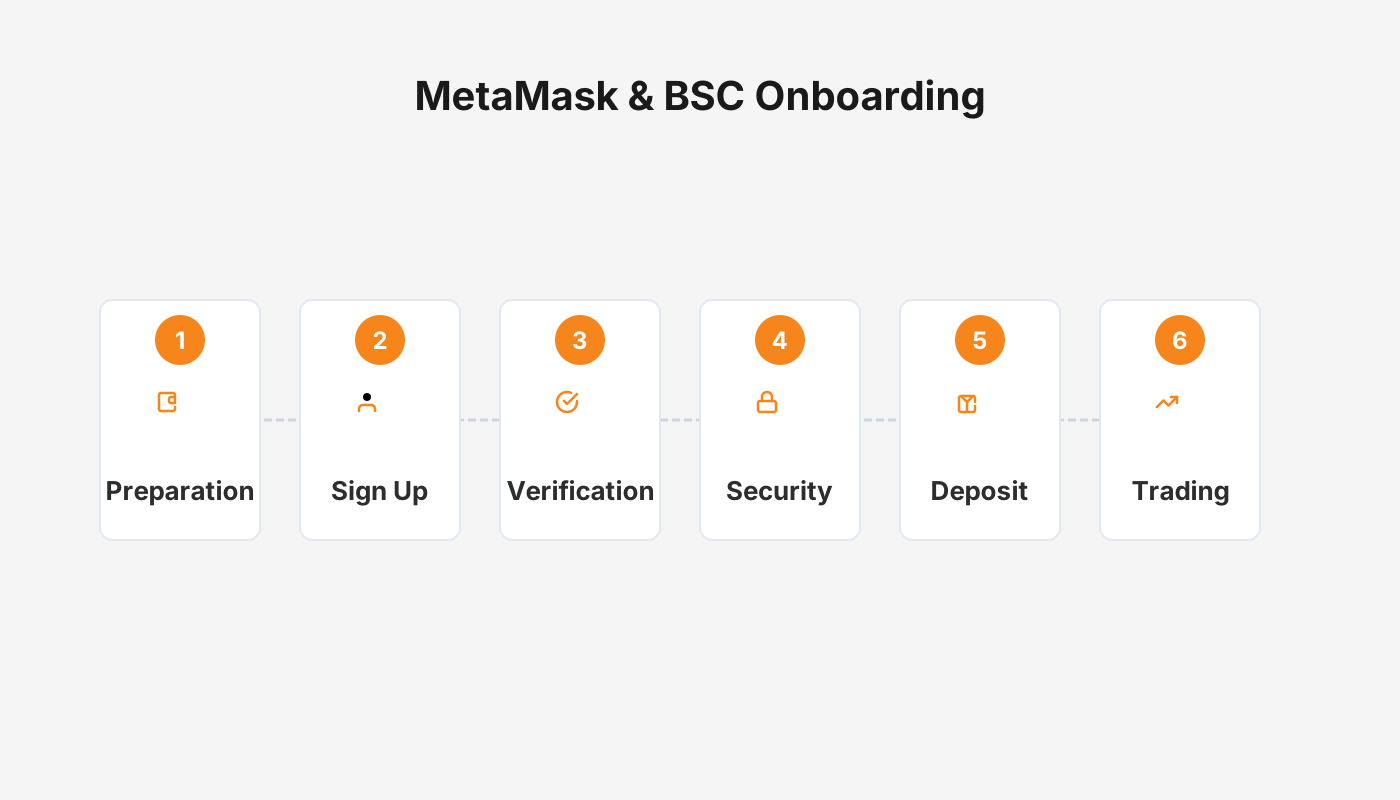
How to add the BSC network to the Fox wallet?
1. Install MetaMask (the Fox) wallet
- Using the Google Chrome browser, go to the official website and download the extension.
- After installation, open the extension and create a new wallet or import an existing one.
Tip: On first use, be sure to store your seed phrase securely. MetaMask does not keep your private keys for you.
2. Configure the BSC environment
(1) Switch the interface to Chinese

)
Navigate Settings → General → Current Language and select “中文”.
(2) Manually add the BSC network
Follow the red‑circled steps shown in the screenshots below:

)

)

)
In the form that pops up, enter the following information and then click Save:
| Parameter | Value |
|---|---|
| **Network Name** | Binance Smartchain |
| **RPC URL** | https://bsc-dataseed.binance.org/ |
| **Chain ID** | 56 |
| **Symbol** | BNB |
| **Block Explorer URL** | https://www.bscscan.com/ |
After saving, BSC will appear in the network list. Click it to switch:

)
3. Transfer BNB and USDT from Binance
- In MetaMask, copy your wallet address by clicking the red‑boxed button (the address is copied to the clipboard):

)
- On the Binance website, initiate a withdrawal and choose the BSC network. Fill in the amount you need (you only need a small amount of BNB—about 0.1 BNB—to cover transaction fees).
Note for US residents: Use Binance.US instead of the global Binance platform. For fiat deposits/withdrawals, Binance.US supports USD via ACH, SEPA, or SWIFT, depending on your bank.

)

)
4. Choose a mining pool (example: DefiBox)
- Open defibox.com and, in the BSC section, select the ACS mining pool (this tutorial uses that pool as an example).

)
5. Start mining
- Click Connect Wallet. MetaMask will open an authorization window:

)
- Choose a pool (e.g., USDT) and click Deposit:

)
- Important: Some pools charge a 0.5 % withdrawal fee that is deducted directly from your principal. Frequent in‑and‑out flows can erode earnings, so plan accordingly.
- After confirming two MetaMask transactions, you will be taken to the Liquidity Pool screen for a final confirmation:

) → 
) → 
)
- When ACS rewards accumulate to more than 0.03, a Claim button will appear. Click it and confirm the transaction again in MetaMask to withdraw the ACS tokens.

)
Tax reminder: In many jurisdictions, crypto mining rewards are treated as taxable income. Please consult a tax professional in your country to ensure compliance with local tax laws.
6. Use PancakeSwap to swap ACS for BNB
- Go to PancakeSwap (exchange.pancakeswap.finance) or follow the link from DefiBox.

)
- In the search box, type the ACS contract address (if the token does not appear automatically). You can find the address in the official documentation or the project's Telegram group.

) → 
)
- Once ACS is loaded, select Swap to BNB (or any other token you prefer) and complete the swap:

) → 
)
---
How does the MetaMask wallet fare?
MetaMask is a digital‑asset wallet with the following characteristics:
- No registration required: You can create a wallet
Related Reading
- Browser‑Extension Crypto Wallets: MetaMask, Coinbase, Rabby & More
- BSC Beginner Guide: Differences, Wallets & Top DeFi Projects
- Binance Smart Chain (BSC): Cross‑Chain, PoSA & Ethereum
💡 Register on Binance with referral code B2345 for the maximum trading fee discount. See Binance complete guide.



