
 Bitaigen Research
 In the fast‑moving world of digital currencies and decentralized finance (DeFi), having a secure and user‑friendly wallet is essential for protecting your assets. MetaMask (the “little fox” wallet) is the mainstream tool that meets this need.
MetaMask is a browser‑based Ethereum‑compatible multi‑chain crypto wallet that lets you manage ERC‑20 and ERC‑721 assets and securely connect to DeFi and NFT decentralized applications. By installing a browser extension, users can create an account, back up a recovery phrase, and perform transfers, trades, and DApp interactions.
In this article we outline the core features and workflow of MetaMask, helping newcomers quickly get started with safe management of ERC‑20, NFTs and other assets, while also exploring its cross‑chain support and hardware‑wallet integration advantages. Read on to master every step from installation to connecting with DeFi.
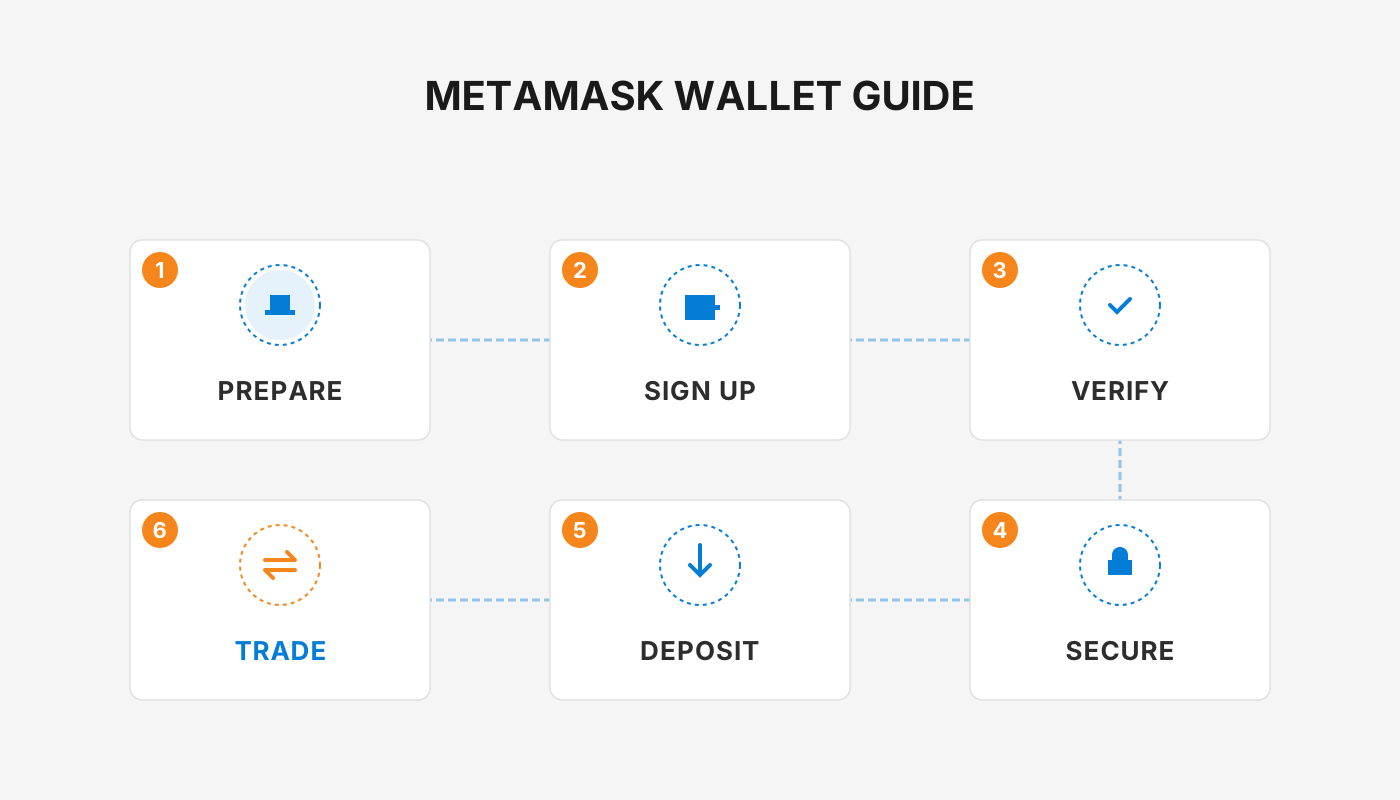
What Is MetaMask?
MetaMask is a revolutionary tool in the crypto space that makes it easier for users to access Ethereum‑based decentralized applications (DApps). It supports ERC‑20 and ERC‑721 tokens, making it one of the most versatile crypto wallets available. As a browser plug‑in, MetaMask can be installed on popular browsers such as Chrome and Firefox; once installed, it instantly enables a seamless connection to any Ethereum DApp, allowing you to participate in liquidity mining, NFT marketplaces and other activities with just a few clicks.
- Cross‑chain compatibility: In addition to the Ethereum mainnet, MetaMask can switch to Binance Smart Chain (BSC) and a variety of testnets and other mainnets, giving users the freedom to move assets across different blockchains.
- Hardware‑wallet integration: It works with Ledger, Trezor and other hardware wallets for secure signing, raising the overall safety of your holdings.
As demand for decentralized networks grows, MetaMask provides a convenient gateway for anyone looking to explore blockchain applications and the DeFi ecosystem.
How to Use MetaMask?
1. Install the MetaMask “Little Fox” Wallet
- Open Chrome or Firefox.
- Type “MetaMask” into the search bar and click the official website link.
- On the homepage, click the “Install MetaMask” button.
- You will be redirected to the appropriate browser extension store; select “Add to Chrome” or “Add to Firefox.”
- After confirming the requested permissions, wait for the plug‑in to download and install automatically.
2. Create or Import a Wallet
| Step | Key Action |
|---|---|
| Open the extension | Click the MetaMask icon in your browser toolbar. |
| Welcome screen | Press **“Get Started”** to begin the setup flow. |
| Set a password | Enter a strong password, confirm it, and click **“Create.”** |
| Backup the seed phrase | The system generates 12 (or 24) random words; write them down on paper and store them securely. |
| Confirm the backup | Select the words in the correct order as prompted; once verified, the wallet is created. |
If you already have a seed phrase or private key, choose “Import Wallet” on the welcome screen and follow the prompts to restore your account.
3. Add a New Account
- In the main wallet view, click “Add Account.”
- (Optional) Give the new account a name, then confirm with the same password and click “Create.”
- The new account appears in the account list and can be switched to at any time.
4. Initiate a Transfer
- View your balance and transaction history on the wallet dashboard.
- Click “Send,” then paste the recipient address into the address field.
- Enter the amount to transfer and choose an appropriate gas fee – a higher fee usually results in faster confirmation.
- After reviewing the details, click “Confirm.” MetaMask will pop up a signing window; approve to submit the transaction.
- You can track the status at any time in the “Activity” (transaction history) tab.
5. Interact with a DApp
- Open a DApp that supports MetaMask (e.g., a decentralized exchange, a blockchain game, or an NFT marketplace).
- Ensure MetaMask is unlocked and switched to the correct network (the default is the Ethereum mainnet).
- Follow the DApp’s on‑screen instructions; MetaMask will display an authorization window showing the tokens and fees required.
- Approve the request, and the transaction will be automatically broadcast to the blockchain, completing the interaction.
6. Security Best Practices
- Use a unique, high‑strength password that is not reused on other services.
- Never share your seed phrase or private key with anyone; keep an offline paper copy in a safe location.
- Avoid logging into MetaMask on public computers or unsecured networks.
- Regularly check for extension updates and always run the latest, most secure version.
By following the steps above, you can complete the installation, configuration and everyday use of MetaMask. The wallet not only helps users manage Ethereum assets securely, but also provides a straightforward entry point to a wide range of DeFi protocols and NFT platforms, delivering a reliable gateway for digital‑asset management and interaction.
Conclusion: With its cross‑chain compatibility, hardware‑wallet integration and user‑friendly experience, MetaMask has become one of the leading wallets in the crypto community. By adhering to best security practices and using MetaMask responsibly, you can enjoy the innovative opportunities of decentralized finance while keeping your assets safe.
*Note*: Crypto gains may be taxable in your jurisdiction; consult a local tax professional to understand any obligations. For fiat on‑ramps, most global services accept USD and support SEPA/SWIFT transfers. U.S. residents should use Binance.US rather than the global Binance platform.
This completes the full guide to “What is MetaMask and how to use it?” For more related content, stay tuned to Bitaigen’s upcoming articles.
Related Reading
- Taproot Assets Mainnet Review: Multi‑Asset Issuance on Bitcoin & DeFi Impact
- MetaMask Guide: Features, Security & Beginner Tips
- DeFi Price Oracles: Accuracy, Security & Decentralization
💡 Register on Binance with referral code B2345 for the maximum trading fee discount. See Binance complete guide.



