 Bitaigen Research
 As the number of users on the XDC network continues to grow, selecting a wallet that balances security, convenience, and functionality has become a mandatory task for every token holder. Whether you are a newcomer stepping into the blockchain world for the first time or a seasoned trader with years of experience, the right storage tool is essential for safeguarding assets and improving operational efficiency. Below, we examine five mainstream XDC wallets, outlining their features, pros and cons, and basic usage steps, to help you find the solution that best matches your personal requirements among the many options available.

In this article we have compiled the most talked‑about XDC wallets on the market today, analyzing each one’s security, user experience, and functional characteristics. The goal is to enable holders with different needs to quickly pinpoint the storage solution that fits them best. Both beginners and advanced users will find practical references; keep reading to see detailed comparisons and step‑by‑step onboarding guides.
5. MyXDCWallet (XDC Web Wallet)
MyXDCWallet is a non‑custodial web wallet built specifically for the XDC ecosystem. It supports multiple login methods (seed phrase, private key, or wallet file), allowing even first‑time blockchain users to get started quickly. The wallet can also connect directly to hardware devices such as Ledger and Trezor, adding an extra layer of protection for your assets.
Pros
- Native support for the XDC network with a clean, intuitive interface
- Ability to pair with hardware wallets for higher security
- No client download required; usable instantly from any browser
Cons
- Security is limited by the protection level of the browser and the endpoint device
- Not recommended as a long‑term storage solution for large balances
How to use: Open the MyXDCWallet official website, choose your preferred login method and complete verification. Once logged in, you can view, send, or receive XDC directly in the browser. For stronger security, go to the settings page and link a Ledger or Trezor device, which enables offline private‑key management.
3. Ledger Wallet
Ledger is the industry benchmark for hardware wallets, providing top‑tier protection by keeping private keys offline. Although Ledger Live does not list XDC natively, you can still manage XDC safely by bridging through MetaMask or MyXDCWallet.
Pros
- Hardware‑level isolation of private keys, preventing online attacks
- Fully compatible with MetaMask and MyXDCWallet
- Widely recognized reliability within the crypto community
Cons
- Requires manual RPC configuration to access XDC via MetaMask
- Ledger Live UI does not display XDC‑specific information
How to use: First, enable the Ethereum application on your Ledger device. Then, add XDC’s RPC address in MetaMask. After the RPC is saved, use the Ledger device to sign transactions. This setup lets you operate XDC securely within MetaMask or MyXDCWallet, making it especially suitable for long‑term holders.
1. D’Cent Wallet
D’Cent combines mobile convenience with hardware‑grade security, offering biometric authentication such as fingerprint or facial recognition while keeping private keys offline. Its cross‑platform design lets users switch freely between the mobile app and dedicated hardware.
Pros
- Native XDC support with a user‑friendly experience
- Hardware‑level security plus biometric unlock (fingerprint/face)
- Seamless integration with decentralized applications (DApps) and the mobile ecosystem
Cons
- The hardware component must be purchased separately, raising the overall cost
- Compared with some rivals, the UI is slightly more minimalistic, offering fewer advanced features
How to use: Download the official D’Cent mobile app, complete the biometric binding process, and you can manage XDC directly from the app. If you own a D’Cent hardware wallet, simply pair it with your phone via Bluetooth to gain an extra layer of protection for asset operations.
2. Guarda Wallet
Guarda is a non‑custodial multi‑chain wallet that works on web, desktop, and mobile platforms. Its built‑in token swap and one‑click purchase functions enable beginners to complete everything from onboarding to trading within a single interface.
Pros
- Private keys are self‑custodied; no third‑party trust required
- Cross‑platform coverage (Web, iOS, Android, desktop)
- Integrated swap and fiat‑on‑ramp simplify the user journey
Cons
- Certain advanced features require completion of KYC verification
- No native integration with local hardware wallets
How to use: Visit the Guarda website or download the appropriate client, then create a new wallet or import an existing one. After setup, XDC balances will appear in the dashboard. Use the built‑in “Swap” button to exchange tokens without leaving the app. To purchase XDC directly, utilize the fiat‑on‑ramp, which accepts USD via SEPA or SWIFT transfers (U.S. users should use Binance.US for fiat on‑ramps). Note that any crypto gains may be taxable under your local jurisdiction, so keep appropriate records.
4. Trezor Wallet
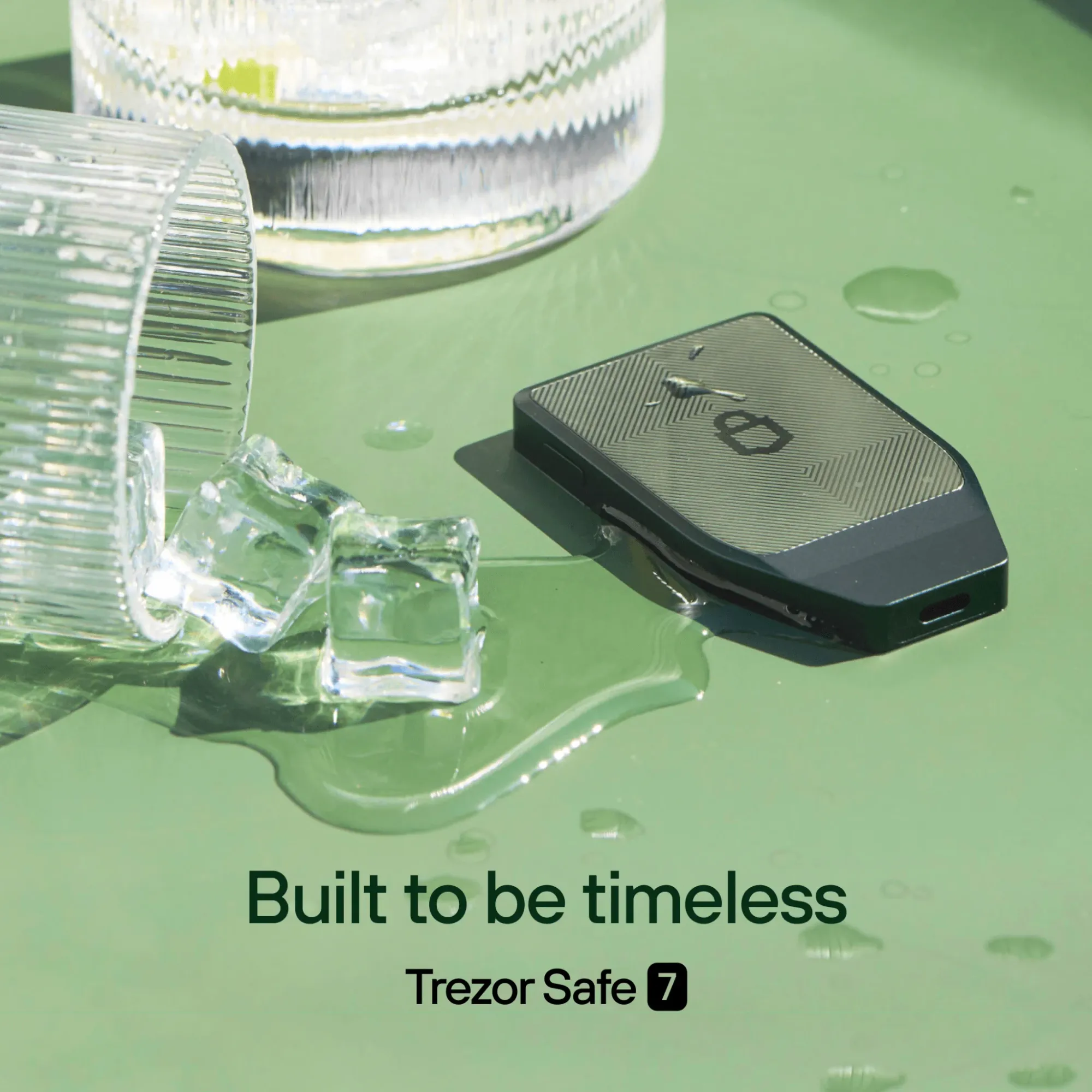
Trezor is another widely respected hardware wallet that supports XDC through integration with MetaMask. Its open‑source firmware and offline private‑key storage make it particularly robust against network‑based attacks.
Pros
- Cold‑storage architecture keeps private keys offline at all times
- Open‑source firmware provides high transparency
- Perfectly integrates with MetaMask, enabling native XDC network usage
Cons
- Requires manual RPC parameter entry; the setup process can be a bit cumbersome
- No dedicated XDC UI; you must rely on third‑party interfaces like MetaMask
How to use: Activate the Ethereum app on your Trezor device, then open MetaMask and add the XDC RPC details. Once the connection is confirmed, use the Trezor to sign transactions, allowing safe XDC management within MetaMask.
Conclusion
When choosing an XDC wallet, the core criteria remain security, ease of use, and cross‑device compatibility. If you prioritize the highest level of protection, the cold‑storage solutions offered by Ledger and Trezor are the top choices. If you prefer a fluid experience that works anywhere, D’Cent and Guarda provide flexible mobile and web combinations. MyXDCWallet, meanwhile, offers a native web‑based option that balances quick onboarding with the ability to pair hardware wallets for added safety. Assess your asset size, transaction frequency, and security preferences, then select the wallet that best aligns with your needs.
Frequently Asked Questions
How do I choose the best XDC wallet?
Decide based on your personal requirements: if security is the primary concern, hardware wallets such as Ledger or Trezor are more suitable; if convenience is paramount, Guarda and MyXDCWallet score higher on UI friendliness.
Which XDC wallet is the easiest to use?
Guarda Wallet and MyXDCWallet both feature intuitive interfaces and multi‑platform support, making them especially appealing to newcomers and users who want seamless switching between devices.
Can I manage my XDC tokens with a mobile app?
Yes. Both D’Cent and Guarda provide mobile applications, and D’Cent even supports biometric login to enhance security on handheld devices.
Is it safe to store XDC in a web wallet?
Web wallets like MyXDCWallet are convenient for daily transactions and small amounts, but for long‑term storage of large sums, a hardware wallet is recommended to achieve a higher security level.
Can I store other cryptocurrencies in the same XDC wallet?
Most of the wallets listed above (e.g., Guarda, MyXDCWallet) are multi‑chain, allowing you to manage Ethereum, Bitcoin, and other major tokens alongside XDC, which simplifies the creation of a diversified portfolio.
💡 Register on Binance with referral code B2345 for the maximum trading fee discount. See Binance complete guide.



