
 Bitaigen Research
 Cold wallets generate and sign transactions on an offline device first, then import the signed transaction file to an online device via QR code or USB drive for broadcasting. The cold wallet itself never needs to connect to the internet.
In this article we systematically outline the complete transfer workflow for cold wallets, detailing the offline generation, signing, and online broadcasting steps, and we demonstrate key operations using mainstream wallets as examples. After reading, you will clearly understand how to perform a secure end‑to‑end transfer without ever exposing your private key.
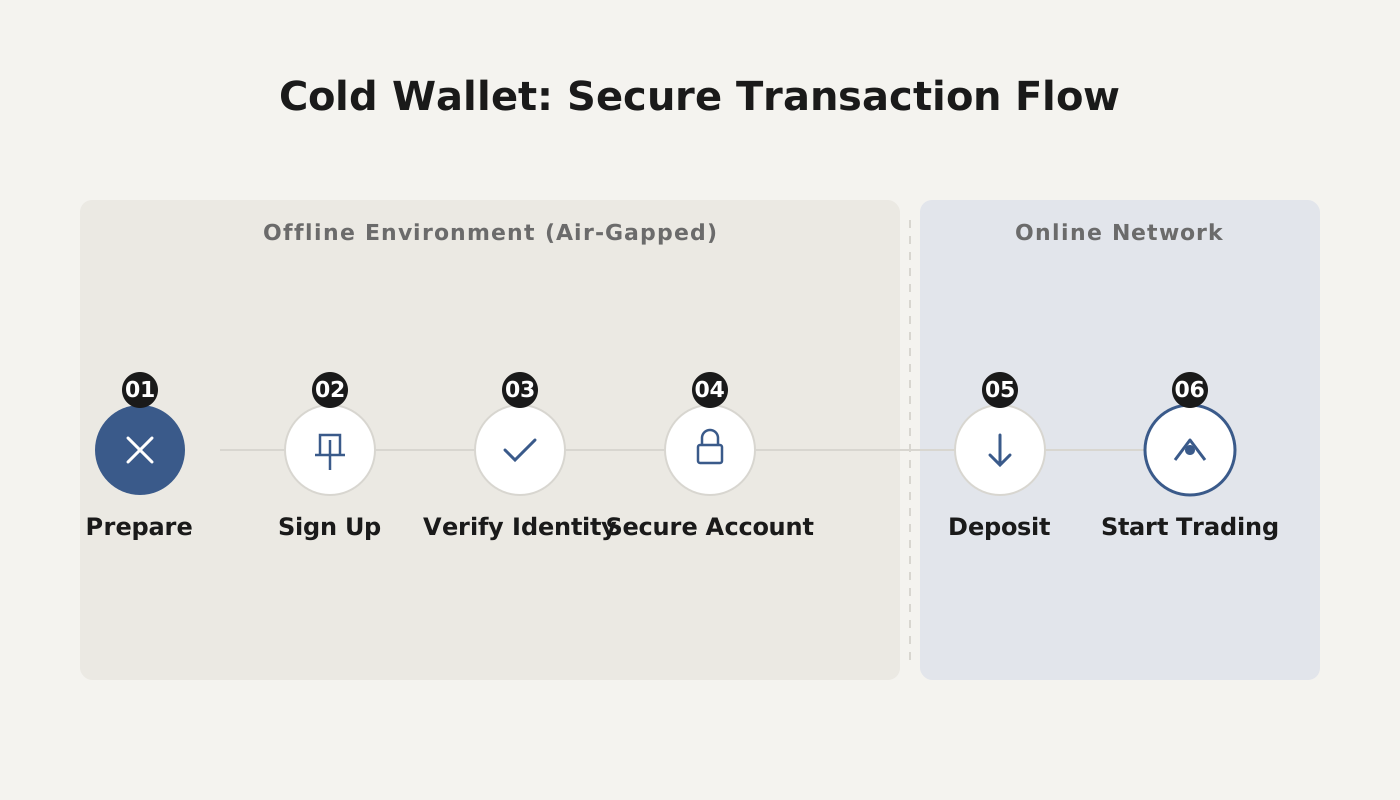
How Does a Cold Wallet Transfer?
Below we use imToken as an example to illustrate the full transfer process of a cold wallet.
- Prepare the transaction script (requires an online device)
- Open the corresponding New‑Transaction page on a connected computer.
- Enter the recipient address at the top, and optionally the private key or the multi‑signature RedeemScript.
- Click Load to fetch the unspent outputs (UTXOs) for that address; the page will display the account balance.
- In the Outputs section fill in the recipient address and the amount to send, and reserve a TransactionFee.
- If you want to reduce inputs, switch to the Inputs tab and delete any UTXOs you do not wish to use.
- When finished, click Submit; the system will generate an unsigned transaction script (TransactionScript).
- Offline signing (completely offline)
- Copy the unsigned script from the online computer to the offline computer.
- On the Sign page paste the private key (or use a hardware wallet) and import the unsigned script.
- Click Submit to obtain the signed transaction script.
- Broadcast the transaction (requires an online device)
- Transfer the signed script back to the online computer (via QR code or USB drive).
- Open the Broadcast page, paste the signed script, and submit.
- Once the system confirms success, the transfer is complete.
- Handling broadcast failures
- You can try alternative PushTx services, such as the Transactionbroadcasting link provided in the article.
- Having multiple channels increases the likelihood of a successful broadcast.
- Verify the transaction script
- If you need to inspect script details, place the script into the Verify page for parsing; this works for scripts generated by any method.
Does a Cold Wallet Need Network Access to Transfer?
The defining characteristic of a cold wallet is that the private key resides in an offline environment, and information is exchanged via QR codes or USB drives, ensuring the private key never touches the internet.
- Offline environment guarantees security: A computer that is disconnected from the network cannot be remotely compromised, keeping the private key off‑line.
- QR‑code communication: A QR code can hold roughly 1,850 uppercase letters or more than 500 Chinese characters, enough to store an entire private key or a fully signed transaction.
- Transfer workflow:
- Use an online device to check the balance and generate an unsigned transaction.
- Move the transaction script to the offline device for signing.
- Transfer the signed transaction back to the online device for broadcasting.
Therefore, the critical signing step occurs on the offline device that houses the cold wallet; the network is only used for balance queries and for broadcasting the already signed transaction. The cold wallet itself never needs to be connected to the internet.
For more cold‑wallet usage tips, follow the related专题 articles from Bitaigen (BitRoot).
Related Reading
- Beginner's Crypto Guide: Wallets, Exchanges & First Purchase
- Self‑Custody Crypto Wallets: Benefits, Risks & Security
- Private Key, Mnemonic Phrase & Keystore Passwords
💡 Register on Binance with referral code B2345 for the maximum trading fee discount. See Binance complete guide.



