
 Bitaigen Research
 Before you start the actual operation, it is advisable to become familiar with the basic characteristics and fee differences of the two chains, as this helps determine when it is more suitable to use USDT on the Tron network.
In this article we systematically outline the core differences between ERC‑20 and TRC‑20 USDT and provide a complete migration process from the Ethereum chain to the Tron chain. With illustrated step‑by‑step instructions, we help you make a more optimal choice between cost and speed; we will also address common questions and security considerations later, making it worth reading further.
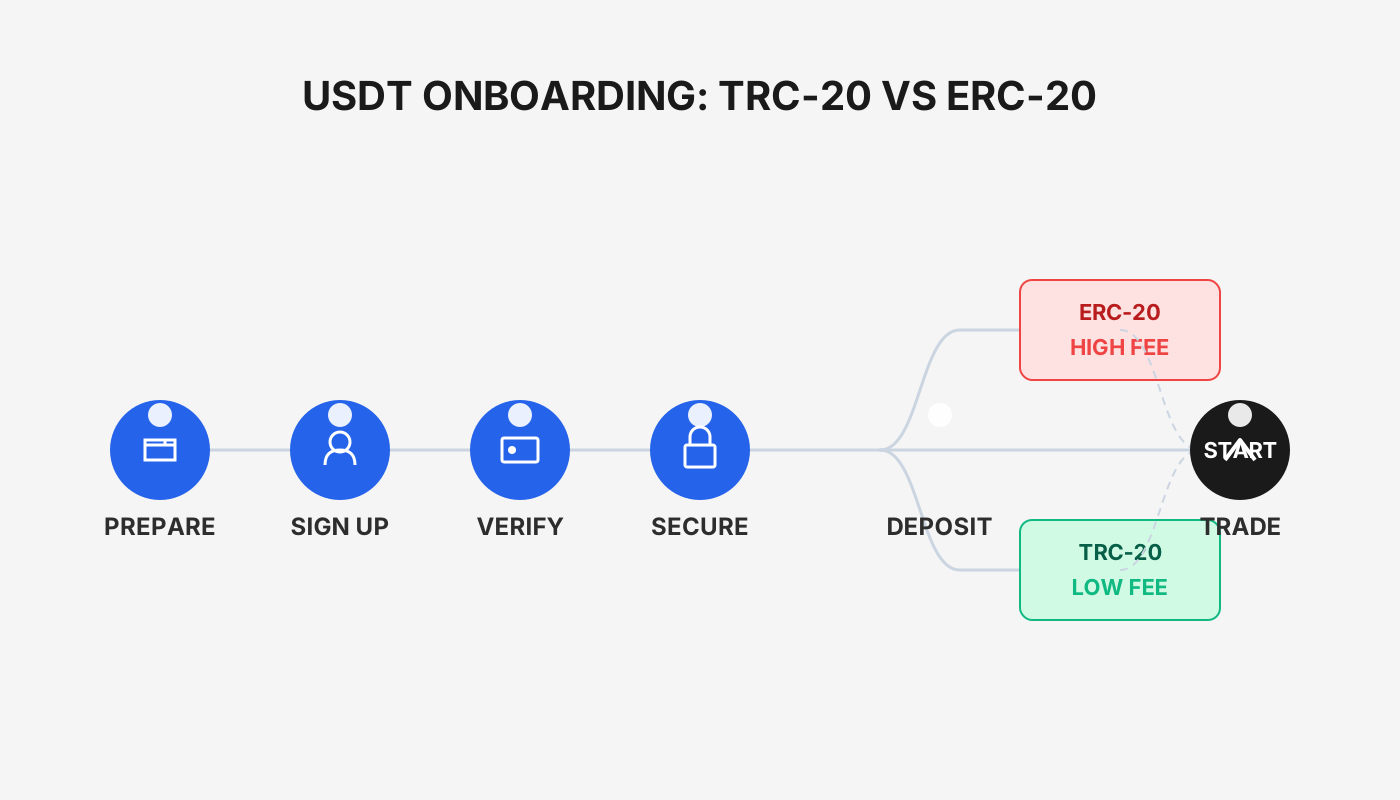
Differences Between ERC‑20 and TRC‑20
ERC‑20 tokens operate on the Ethereum mainnet, whereas TRC‑20 tokens are based on the Tron network. The main differences lie in network congestion and transaction costs: Ethereum often experiences high activity that can push fees to anywhere between $3 and $150, and in extreme cases even higher; by contrast, Tron processes transactions faster, with fees typically ranging from under $1 to $10. The disparity in user‑base size is the fundamental driver of the fee gap between the two chains.
How to Convert USDT from ERC‑20 to TRC‑20?
- Preparation
- Install and configure a multi‑chain crypto wallet (e.g., MetaMask) and ensure that the Tron network information has been added.
- Register and log in to an exchange that supports both ERC‑20 and TRC‑20 (this guide uses OKX as an example), and make sure your account holds a sufficient amount of ERC‑20 USDT.
- Deposit ERC‑20 USDT to the Exchange
- Log in to OKX, go to the “Deposit” page, search for USDT and select the ERC‑20 network. The system will generate a unique ERC‑20 deposit address.
- Send the USDT from MetaMask (or another decentralized wallet) to that address; once completed, you will see the corresponding ERC‑20 USDT balance on the OKX assets page.
- Note that OKX also accepts transfers from Binance and other centralized platforms; as long as the correct deposit address is entered and the network is confirmed, the assets will arrive.
- Withdraw TRC‑20 USDT
- In the OKX user center, select “Withdraw”, search for USDT and switch to the TRC‑20 network.
- Enter the wallet address you will use to receive TRC‑20 USDT (e.g., the Tron address you have configured in MetaMask), specify the withdrawal amount, and confirm.
- After network confirmation, you will receive the USDT in TRC‑20 format in the corresponding wallet.
Conclusion
Every on‑chain transfer should be carefully verified for sender and recipient details; especially when large amounts are involved, it is advisable to conduct a small test first to confirm that the address and network match. Blockchain transactions are irreversible, and sending to an incorrect address results in permanent loss of assets. We hope this guide helps you successfully complete the USDT ERC‑20 to TRC‑20 conversion, achieving lower fees and faster confirmations.
For further operational tips, feel free to follow Bitaigen (比特根) for more specialized articles.
Related Reading
- Ethereum Layer 2 Explained: Scalability, Low Fees & Speed
- TRC-20 vs ERC-20: Fast Transfers, Low Fees vs Ethereum Costs
- Solana vs Ethereum: Trading Volume & Liquidity Analysis 2024
💡 Register on Binance with referral code B2345 for the maximum trading fee discount. See Binance complete guide.



