
 Bitaigen Research
A Web3 wallet is a digital tool for managing blockchain assets, interacting with decentralized applications (DApps), and generating on‑chain identities, offering capabilities that go beyond those of traditional wallets.
Web3 wallets, whether hardware‑based or software‑based, help users obtain funds, interact with DApps, collect NFTs, create on‑chain identities, collaborate with communities, and have become a key direction for the evolution of the Internet.
In this article we systematically outline the core concepts of Web3 wallets, their key components, and the pros and cons of the main hardware and software types. The goal is to help newcomers quickly build an on‑chain identity and securely manage digital assets. Later sections will also provide hands‑on guides and warnings about common security pitfalls, so a thorough read is recommended.
What Is a Web3 Wallet?
Web3 wallets are expected to become the industry standard in the coming years. Whether you are dealing with digital art, online stores, or other digital assets, possessing a Web3 wallet is a prerequisite for participating in the blockchain ecosystem.
In the traditional banking system, funds are stored in physical vaults; on a blockchain, assets exist only as records on the blockchain and are not “located” anywhere physically. Therefore, a wallet is needed to hold the information required to access those digital tokens.
A crypto wallet consists of three main elements:
- Public key: The address used to send and receive transactions.
- Private key: Must be kept strictly confidential; anyone who holds the private key can control the associated assets.
- Mnemonic phrase: A set of words that can generate new private keys, making backup and recovery easier.
If you have ever bought or sold Bitcoin, Ethereum, or other cryptocurrencies, you will already appreciate how crucial it is to protect your private key. Below we introduce several common wallet categories and the scenarios where they fit best.
Hot Wallets
Types of Web3 Hot Wallets
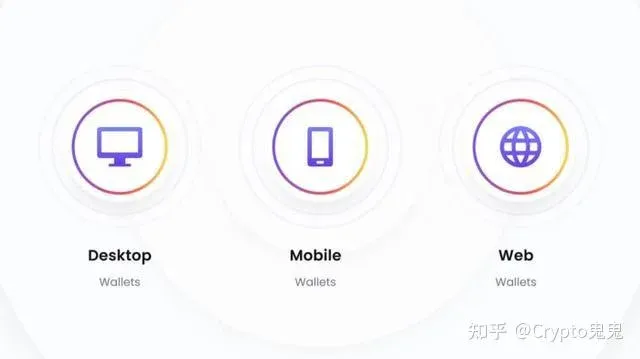
A hot wallet is a software‑based wallet whose private key is stored on a device that is connected to the internet. Because it can store, send, receive, and view tokens, it is considered the most practical type of Web3 wallet.
- The private key is saved locally as an encrypted file, protected by a password.
- As long as the device has internet access, the funds can be reached at any time.
- If a hacker gains access to the device, they could potentially steal the entire balance in a single breach.
Desktop Wallets
- Downloaded as an application and run locally on a computer.
- Generally more secure than other hot‑wallet options.
- Suited for users who do not want their funds to sit on an exchange for long periods or who need to manage assets on an offline computer.
Mobile Wallets
- Designed specifically for smartphones, featuring a clean UI and intuitive operation.
- Supports QR‑code scanning for quick payments and receipts.
- Ideal for managing assets on the go and for everyday small‑value transactions.
Web Wallets
- Private keys are stored in the cloud, so users do not need to install any software.
- Accessed through a unique login URL.
- More vulnerable to cloud‑server attacks, making them less secure than desktop wallets.
- Fit for scenarios where users want seamless switching between multiple devices without storing keys locally.
Cold Wallets
To protect against network‑based attacks, some users opt for cold wallets that keep assets offline. Cold wallets are not connected to the internet, making them extremely difficult to compromise.
Cold wallets can be divided into physical cold storage and digital cold storage, with hardware wallets offering the highest security tier.
Hardware Wallets
- Physical devices that look similar to USB flash drives.
- Use a built‑in random‑number generator to create and store public and private keys; the private key never leaves the device.
- Regarded as the safest storage method, ideal for long‑term holding.
- Compatible with many wallets and exchanges; operation involves plugging the device into a computer or mobile device and launching the accompanying software.
- Compared with app‑based or web wallets, the interaction speed is slightly slower, but security is markedly improved.
Advantages of Using a Web3 Wallet
Convenience
- No third‑party custodians; users retain direct control over their assets.
- Setup is brief—often completed within a few minutes.
- Supports a wide range of Web3 products, providing a one‑stop gateway.
Privacy and Anonymity
- Transactions record only address information on the blockchain, making it difficult to link to a real‑world identity.
- Offers a high level of privacy protection.
Enhanced Security
- Employs encrypted login and storage mechanisms to prevent unauthorized access.
- Most wallets do not allow direct fiat withdrawals, further reducing risk.
Note for fiat users: When converting between crypto and fiat, most global platforms accept USD via SEPA/SWIFT transfers. Users residing in the United States should use Binance.US rather than the international Binance platform.
How to Create a Web3 Wallet?
Before interacting with Ethereum‑based DApps, you need a digital wallet. Popular Web3.0 wallets include:
- OKX Web3.0 Wallet
- TokenPocket (TP Wallet)
- imToken
- MetaMask
For beginners, the OKX Web3.0 Wallet is recommended; TokenPocket has had isolated incidents of asset loss, so it should be used only for small‑scale testing.
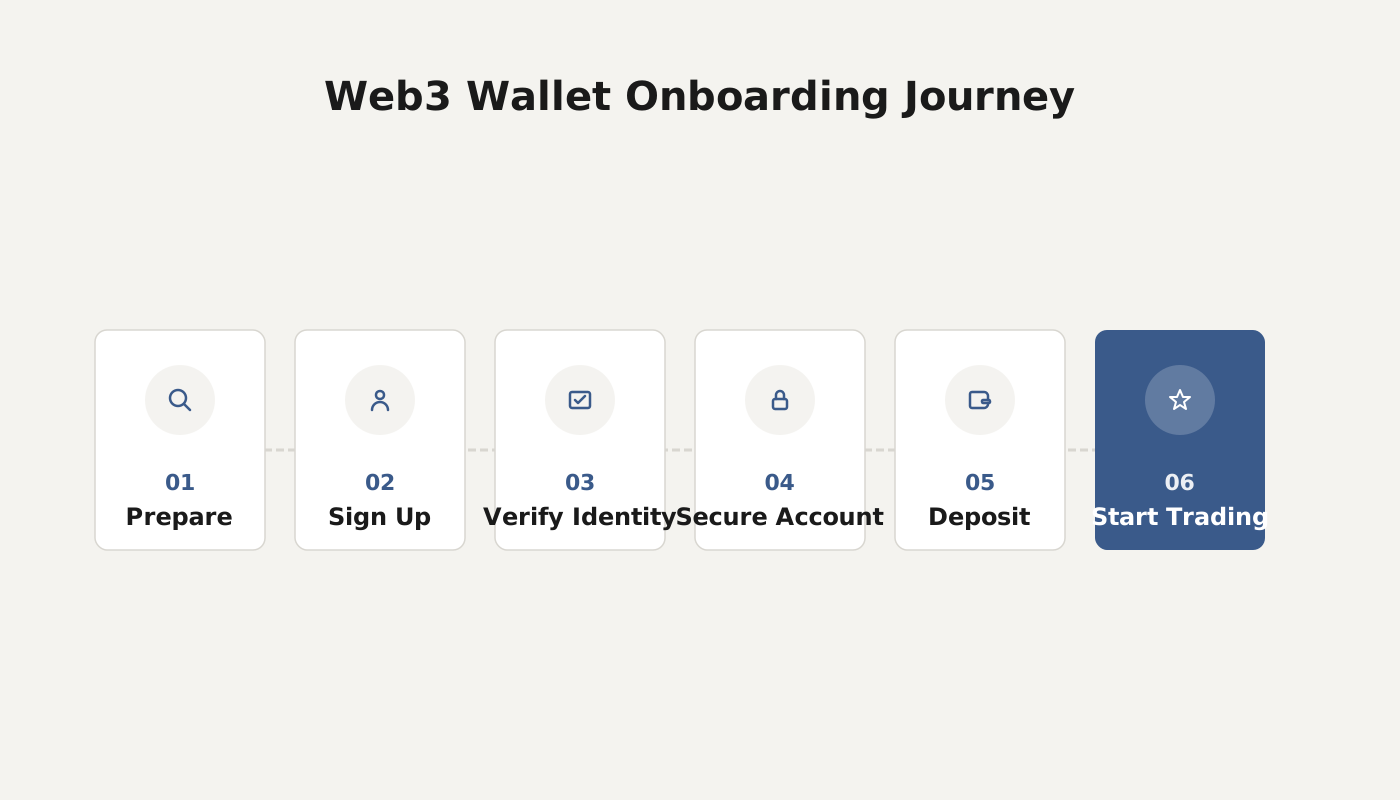
Taking MetaMask as an example, the creation steps are:
- Install the browser extension.
- Click “Create a wallet.”
- Set and confirm a password.
- Securely store your secret recovery phrase (mnemonic) and never share or lose it.
After completing these steps, you will be able to manage assets on the Ethereum network.
Related Reading
- How to Use the Hyperpay Wallet: Step‑by‑Step Guide for Beginners
- Grab & Polygon Unveil First Polygon Web3 Wallet in Singapore
- Web3 Wallets: Functions, Security & DApp Use
💡 Register on Binance with referral code B2345 for the maximum trading fee discount. See Binance complete guide.



