
 Bitaigen Research
 As electronic devices are upgraded frequently, many cryptocurrency investors need to import the mnemonic phrase from their original wallet onto a new phone or computer in order to continue managing digital assets. If the mnemonic is entered incorrectly, users often encounter “invalid mnemonic” errors or see their assets displayed as zero, typically due to improper formatting or misspelled words. Therefore, entering the phrase correctly is crucial.
When importing a wallet mnemonic, type each word in the exact order, separating words with a single space and preserving the correct case. If a formatting error occurs, check the spaces, spelling of each word, and whether the words match the BIP‑39 wordlist, then correct according to the on‑screen prompts.
In this article we have compiled the most common pitfalls when importing a mnemonic and provided step‑by‑step verification points to help you quickly locate formatting errors, ensuring a smooth migration of assets. Read on to master safe entry techniques and avoid wallet‑recovery failures caused by spelling or spacing mistakes.
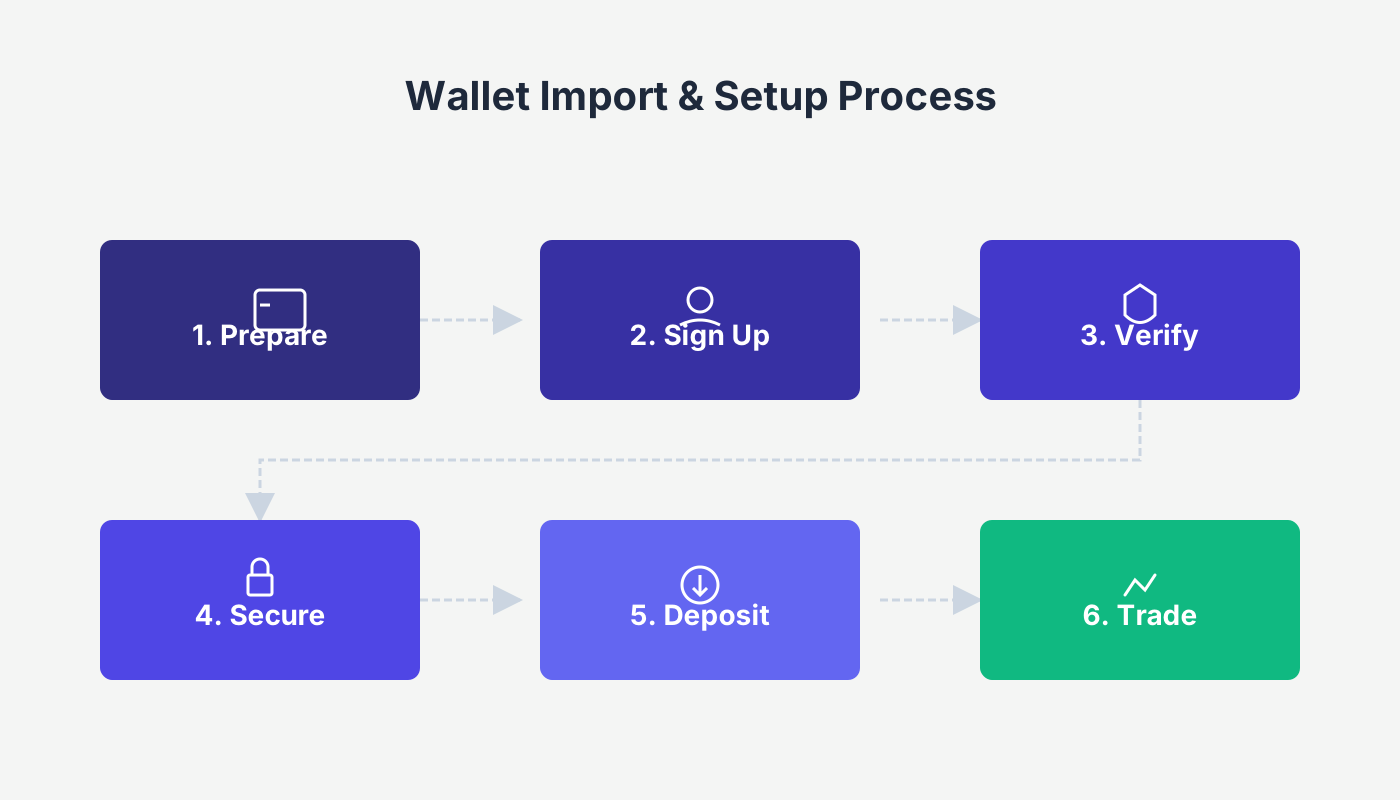
How to fill in a wallet mnemonic for import?
A mnemonic typically consists of 12 or 24 words, drawn exclusively from the 2,048‑word BIP‑39 dictionary. Follow these guidelines when entering it:
- Enter in the exact order
- You must strictly follow the sequence generated by the wallet, entering from the first word to the last. Any deviation in order will prevent the wallet from being restored.
- Respect case sensitivity
- The case (uppercase vs. lowercase) must match the original record exactly. Mismatched case will also cause the import to fail.
- Separate words with a single space
- Keep only one space between each word; do not insert line breaks or extra spaces. No trailing space is needed after the final word.
For asset security, it is recommended to perform the entry in a private environment; avoid public places or sharing the mnemonic with anyone.
What to do if the wallet mnemonic format is wrong?
Common reasons for mnemonic‑format errors and their corresponding remedies are listed below:
- Error message “invalid mnemonic”
- This indicates that one or more entered words are not part of the BIP‑39 wordlist. Cross‑reference each word against the official list, correct any mismatches, and try again.
- Error message “mnemonic length is incorrect”
- The number of words does not meet the required count (normally 12 or 24). Verify that no words are missing or extra, and ensure the total count is correct before re‑importing.
- Space or line‑break errors
- There must be exactly one space between words, and no trailing space or line break at the end. It can be helpful to tidy the phrase in a plain‑text editor before copying and pasting it into the wallet application.
- Incorrect wallet derivation path
- Some wallets require a specific derivation path during import; an unmatched path will also cause format validation to fail. In most cases the default path is sufficient.
Checklist
- ✅ All words belong to the BIP‑39 wordlist
- ✅ Word order is complete and correct
- ✅ Case matches the original recording
- ✅ Only a single space separates words; no trailing space
- ✅ Derivation path is set to the default or the correct custom path
When all the points above are satisfied, the wallet should import successfully. If errors persist, consider upgrading the wallet software to the latest version or contacting official support for further assistance.
Note: In many jurisdictions, gains from cryptocurrency transactions are taxable. Always consult local tax regulations to determine your reporting obligations.
---
The above sections systematically explain how to fill in a wallet mnemonic for import and how to handle mnemonic format errors. For additional details, you can search for earlier articles by Bitaigen (比特根) or continue browsing the related links below. Stay safe while managing your digital assets!
---
Related Reading
- Ledger Nano X Review: Design, Function & Security
- Common Mnemonic & Private Key Import Errors: Causes & Fixes
- How to Safely Register on Ouyi Exchange: Avoid Crypto Scams
💡 Register on Binance with referral code B2345 for the maximum trading fee discount. See Binance complete guide.



