
 Bitaigen Research
 How does the imToken wallet ensure asset safety?
imToken protects users’ private keys through mnemonic‑phrase backup, the Ten “Do‑Not‑Do” anti‑theft rules, anti‑scam warnings, as well as security audits and multi‑signature functionality, providing comprehensive protection for your assets.
In this article we systematically outline imToken’s multi‑layer protection mechanisms, including mnemonic‑phrase backup, private‑key leakage prevention, and key security practices for the wallet. The goal is to help users build a complete asset‑security framework, reduce the risk of loss or theft, and encourage careful reading to raise security awareness.
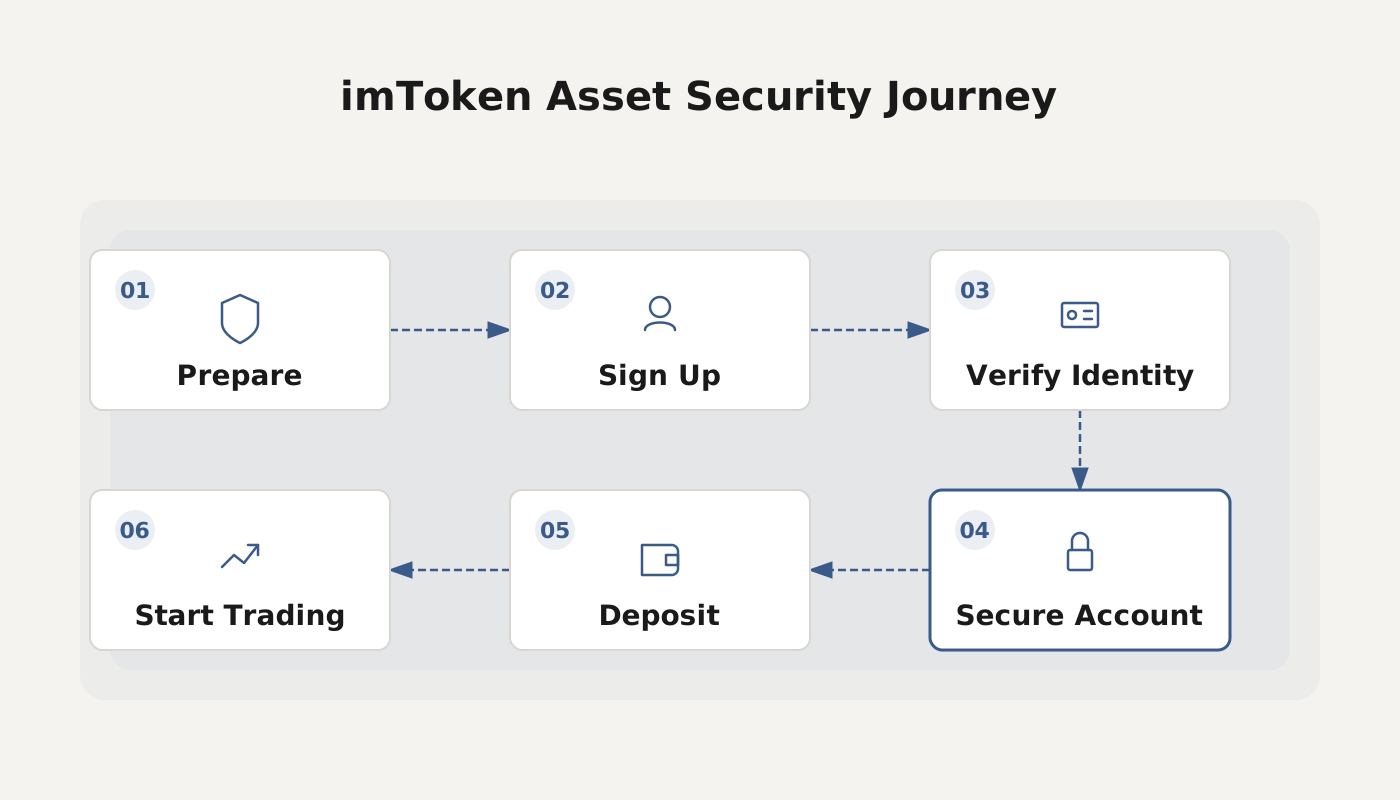
Overview of imToken wallet security
imToken is a decentralized wallet in which users hold their own private keys and therefore have absolute control over their assets. Consequently, users must assume full responsibility for protecting those assets and adopt appropriate security mindsets and operational standards.
Loss‑prevention strategy
“Loss” of digital assets is usually the result of improper management of private keys or mnemonic phrases.
- Backup: Record the mnemonic phrase, private key, or Keystore file associated with each wallet address and store it securely.
- Recovery: Install imToken on a new device and import the backup to regain control of the assets.
Backup key points
- Clearly and accurately record the mnemonic phrase for each wallet address (using the mnemonic phrase is recommended).
- Avoid confusion, transcription errors, or incorrect ordering.
- It is advisable to store the phrase in an offline “Mnemonic Vault”.
Anti‑theft strategy
Preventing private‑key exposure is the core of anti‑theft measures. imToken’s summarized Ten “Do‑Not‑Do” anti‑theft rules are:
- Do not use a wallet that has not been backed up.
- Do not transmit or store private keys via email.
- Do not save private keys in WeChat Favorites or cloud backup services.
- Do not capture screenshots or photos of private keys.
- Do not send private keys through WeChat or QQ.
- Do not disclose private keys to anyone else.
- Do not post private keys in group chats.
- Do not use third‑party wallet apps of unknown provenance.
- Do not use an Apple ID provided by another person.
- Do not import private keys into unfamiliar third‑party websites.
Anti‑scam strategy
To guard against Ponzi‑type schemes that masquerade as blockchain projects, imToken advises users to watch for the following characteristics:
- Promises of unusually high returns to lure investment.
- Claims of “decentralized, transparent, and secure” without verifiable evidence.
- Fake advertising that impersonates well‑known industry companies.
- Tiered recruitment, “pyramid” structures, and “targeted‑victim” tactics.
- Community‑driven hype that employs brain‑washing style promotion.
- “Shell‑company” operations that are difficult to hold accountable.
Additional security measures
- Security audits: imToken undergoes regular third‑party audits to improve the safety of its codebase and protocols.
- Multi‑signature: The wallet supports multi‑sig accounts, adding an extra layer of protection for large holdings.
The points above summarize the main safeguards that the imToken wallet implements to protect assets. For more detailed security information, feel free to explore other related articles on Bitaigen (比特根).

imToken wallet for Android v2.15.7 – Official Android version
- Category: Banking & Finance
- Size: 66.4 MB
- Language: Simplified Chinese (available in other languages on the global app)
- Last updated: 2024‑02‑04
Related Reading
- LEND to AAVE Migration Guide with imToken Wallet
- Crypto Wallets: imToken, Ledger, Trezor, MetaMask
- imToken Wallet Guide: Download, Security & TRC20 USDT Setup
💡 Register on Binance with referral code B2345 for the maximum trading fee discount. See Binance complete guide.



